
Track every plant, size, and quantity from your project in your plant schedule. This living spreadsheet connects to every deliverable, so every change you make is ready to send automatically.
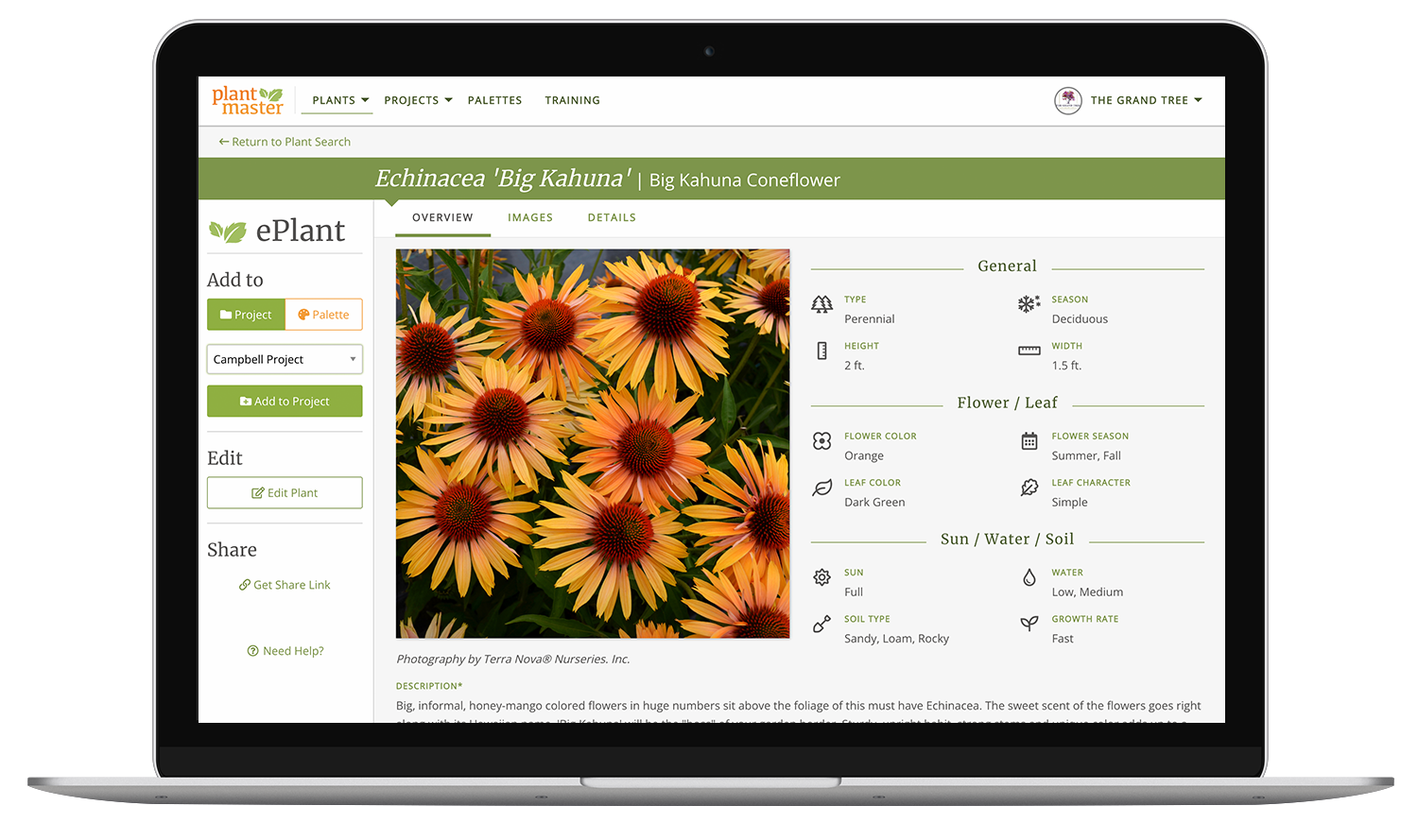
How is this plant schedule different from a spreadsheet?
You already track sizes and quantities for every plant while you design. That’s just part of the job. And you probably already have some version of a plant schedule – often called a plant legend – living in a spreadsheet you use for every project.
Simply put, the plant schedule in PlantMaster is an online spreadsheet. But unlike a regular spreadsheet, it’s not a standalone document.
It’s a living, breathing workspace connects to your entire project – to your plant records, your budget, and everything you send to your client. Which means that whenever you need to make a change, you only need to do it in one place.
When you’re happy with your plant schedule, everything else is done. Your plant schedule is ready to send. The plant budget is current. Your nursery list, your remarks – already done. Everything you deliver to your client is automatically updated and ready to send.
How to use the plant schedule.
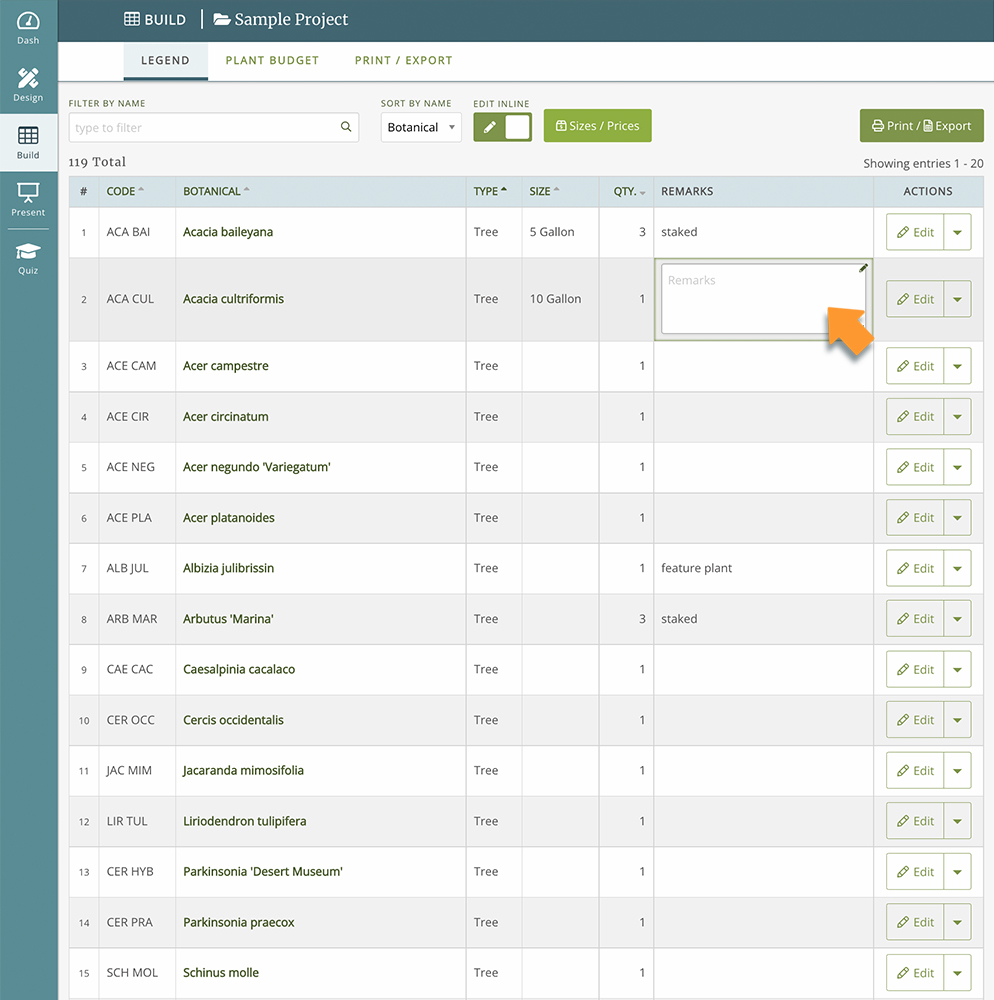
When you open the plant schedule, you’ll see every plant you’ve added to the project. Each row is a plant – with columns for the plant code, container size, quantity, and any remarks you want to pass along. Fill in the details as you go.
You can type directly into the worksheet or use a form for each plant. You can work through the plants as you’re drawing or do a pass at the end. You don’t have to work in any particular order.
A few things worth knowing as you work.
If you decide not to use a plant, you don’t have to delete it. If you zero out the quantity, it will be removed from your counts and your deliverables, but will stay in your project. It’s still there if you change your mind.
You can use the same plant at two different container sizes in the same project. Say you want the full impact of a mature tree in the front yard – you can spec a larger container for that space. But to offset the cost, you want to use smaller sizes of the same tree in the rest of the property. Same plant, two different sizes, two separate line items in your schedule. Now your nursery and installer will know exactly what you need.
Your plant budget lives here, too.
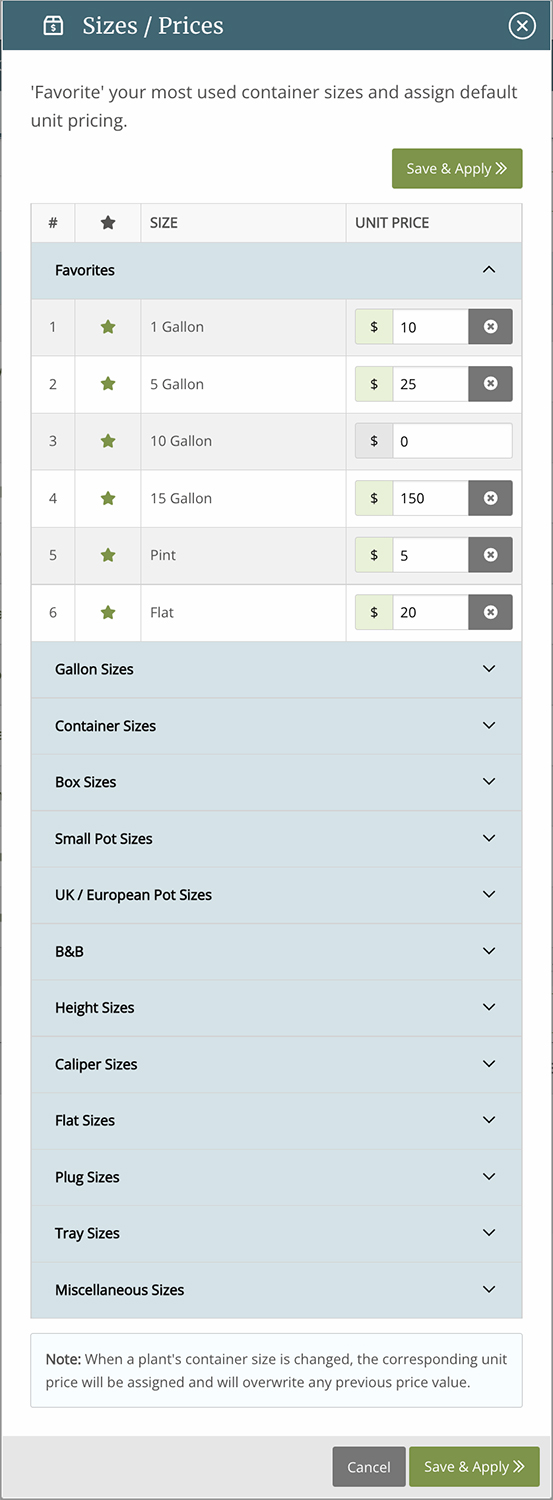
As you set the sizes and quantities, you can add prices too. You already know roughly what each size will cost you, right? For example, say a 1 gallon generally costs about $12, a 5 gallon around $28. You can set a standard price for each container size you typically use. Now, every time you use a 1 gallon container across the project, PlantMaster will be running the math.
As you fill out your schedule you’ll also see a running total of your plant costs. If the total is climbing too high, you can swap out plants or adjust sizes to fit the budget.
Ready to send when your design is done.
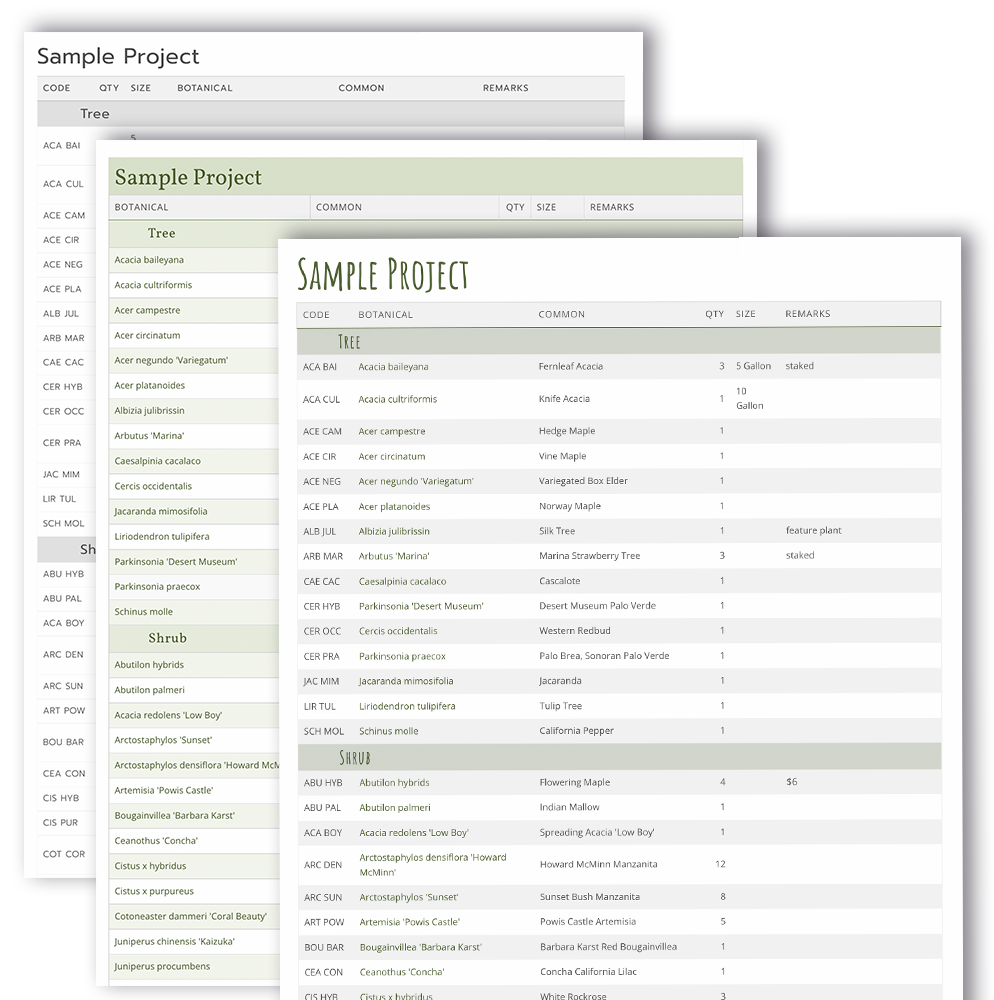
All the hard work you put into your plant schedule means the moment you’re ready to send anything out the door – its already done! PlantMaster automatically creates professionally designed documents – PDFs, spreadsheets, or a web page. You don’t have to do any design or layout work to get something to your client.
You simply choose the style, the key information you need, and hit send. And because everything stays connected to your workspace, if you need to change a plant or adjust quantities, all you need to do is just send the new version. The work is already done!
→ See how you can send your plant schedules
Ready to start building?
“PlantMaster has supplanted my home-grown plant database with a tool far more powerful and impressive to my clients. Preparing instant water use and bloom schedules has been a value-add to my clients and completely effortless for me!
The team’s responsiveness to my requests to add unusual plants is unbeatable and so very much appreciated.”
Kathy Brenner | Rock Paper Clippers
PLANT SCHEDULES
Frequently Asked Questions
Do you partner with any CADD companies?
Yes! We currently partner with 3 CAD companies: DynaScape, Land F/X, and Vectorworks. We have different integrations with each partner, that make it easy to send your entire plant list from PlantMaster to your CAD workspace, and back!
Can I build a plant schedule if I don't use drafting software?
YES! If you don’t build your schedule inside your drafting software (or even if you do) you can easily use PlantMaster to track quantities and sizes and build your plant schedule. Add the final schedule to your drawing, send it to your nursery to order plants, or send a stylized version to your client to review!
Of course if you work with one of our partners, importing the schedule data from CAD right back into your PlantMaster project is just a click away. No need to do the work twice.
Can I print or send my schedule to my customer?
Yes, you can create a stylized PDF or export the whole schedule to a .CSV file that can be opened in Excel or Numbers.
Is the plant schedule connected to the plant budget?
Yes! As you update the plant schedule, you will also be automatically updating your plant budget – the two workspaces are tied together. The plant budget is a great way to double check that your plant costs are on track with your larger budget.