

Experience plant records that include more data and more images than any other plant database – plus, they’re 100% editable.
Horticulture is local.
Your plant records should be too.
We all know that plants behave differently in every region. What thrives in one part of the state struggles in another. Plants bloom at different times. USDA Zones are shifting.
The problem is that most plant databases don’t account for this – you get one fixed plant record and the information is never accurate for your region.
Your climate is different from every other climate, so your plant records should match.
Every aspect of every plant record can be edited.
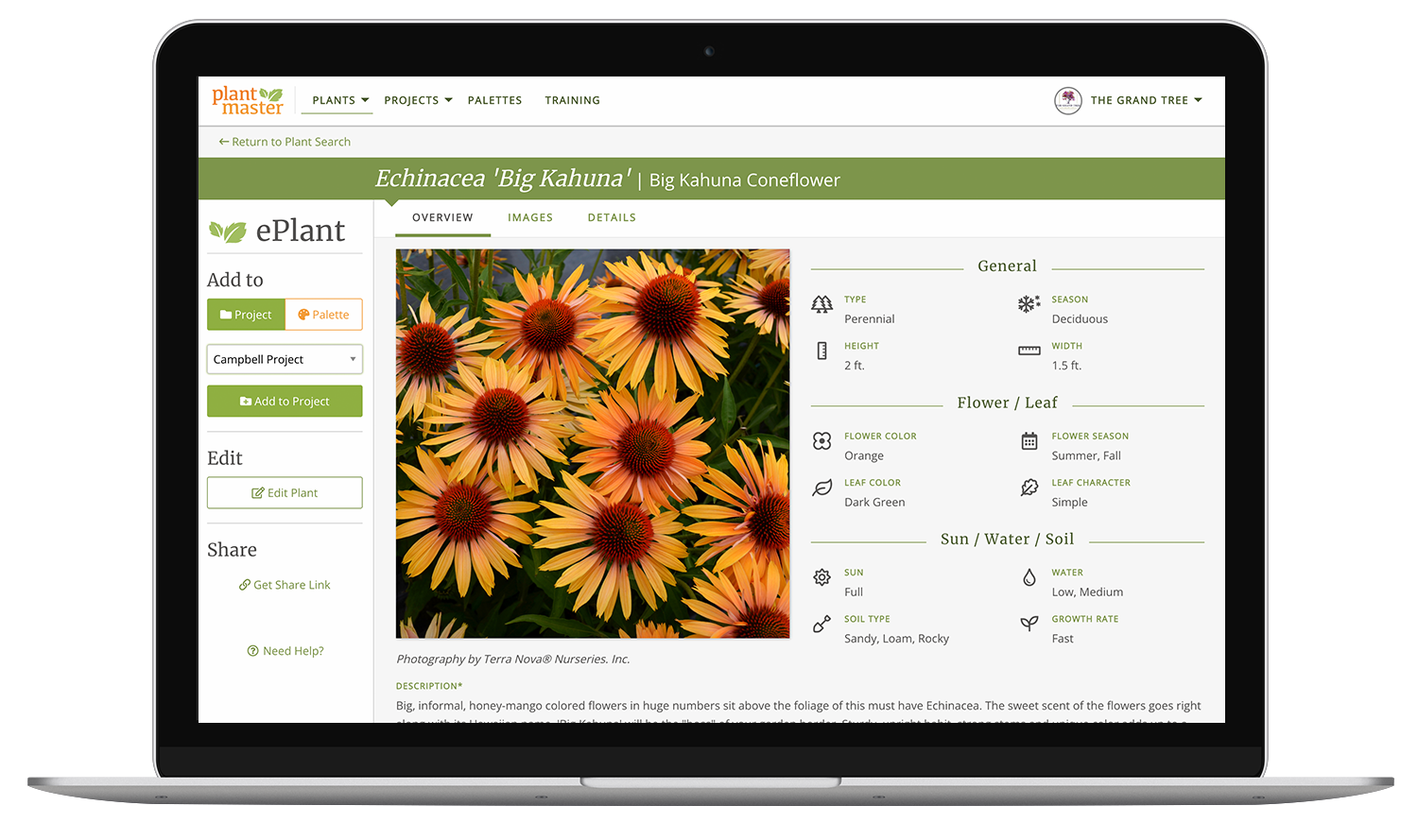
Every plant record in PlantMaster is organized into three views – a quick-reference overview, a full image collection, and a complete data page. And every element of this record can be edited.
If we show a plant blooming from June through July, but you know it actually blooms April through May where you work – change it! If we have something listed as a tree, but you use it as a screening shrub – update it.
You can change anything about any plant record – any data, add your own notes, rewrite the description, add or change the images – anything.
The result is a library of plants that match your specific climate.
See more details in one place.
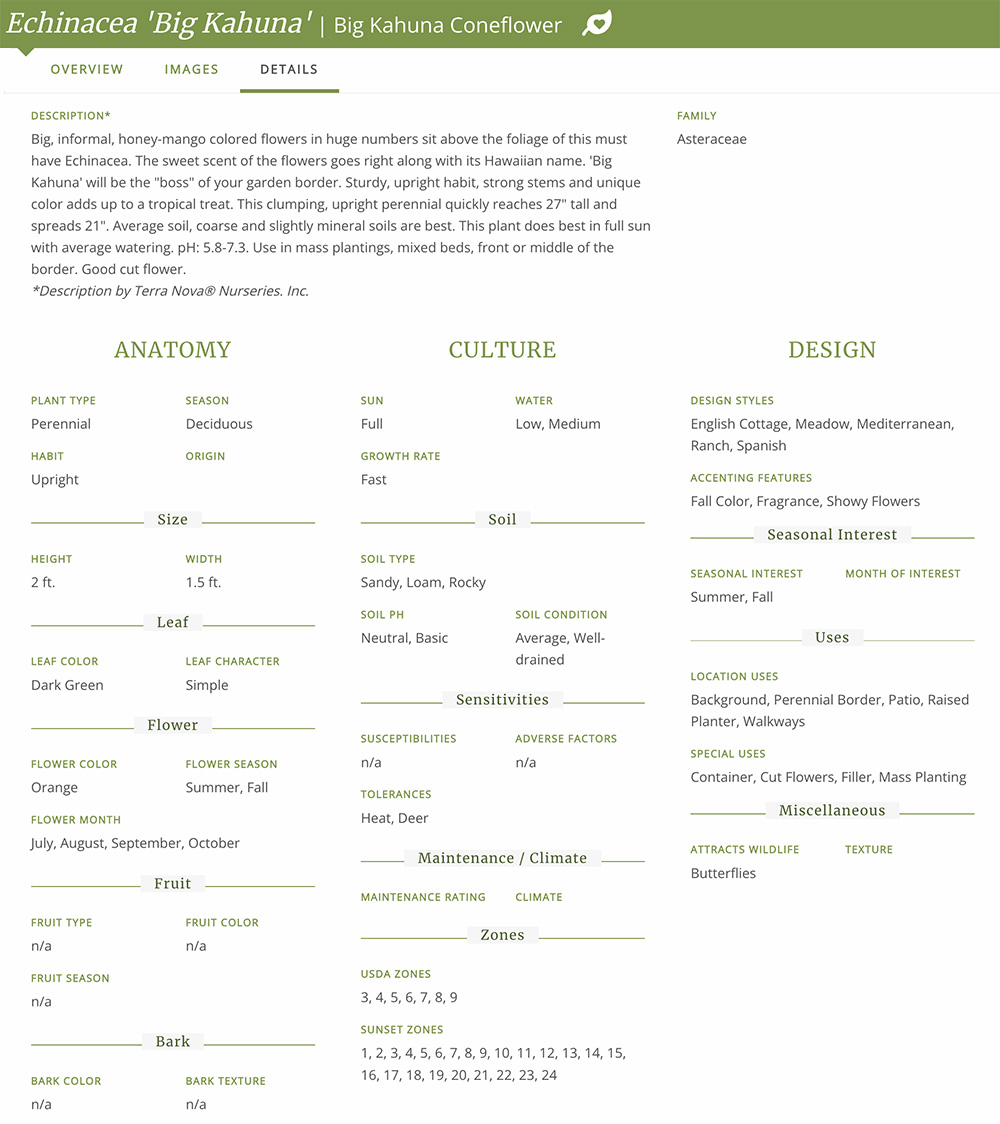
Every plant record is built from more than 500 fields of information. Each plant includes so much information and detail, we had to break it into 3 sections.
Anatomy:
Explore the height, width, leaf color, flower color, and more!
Culture:
Includes key details like sun, water, and soil, etc.
Design:
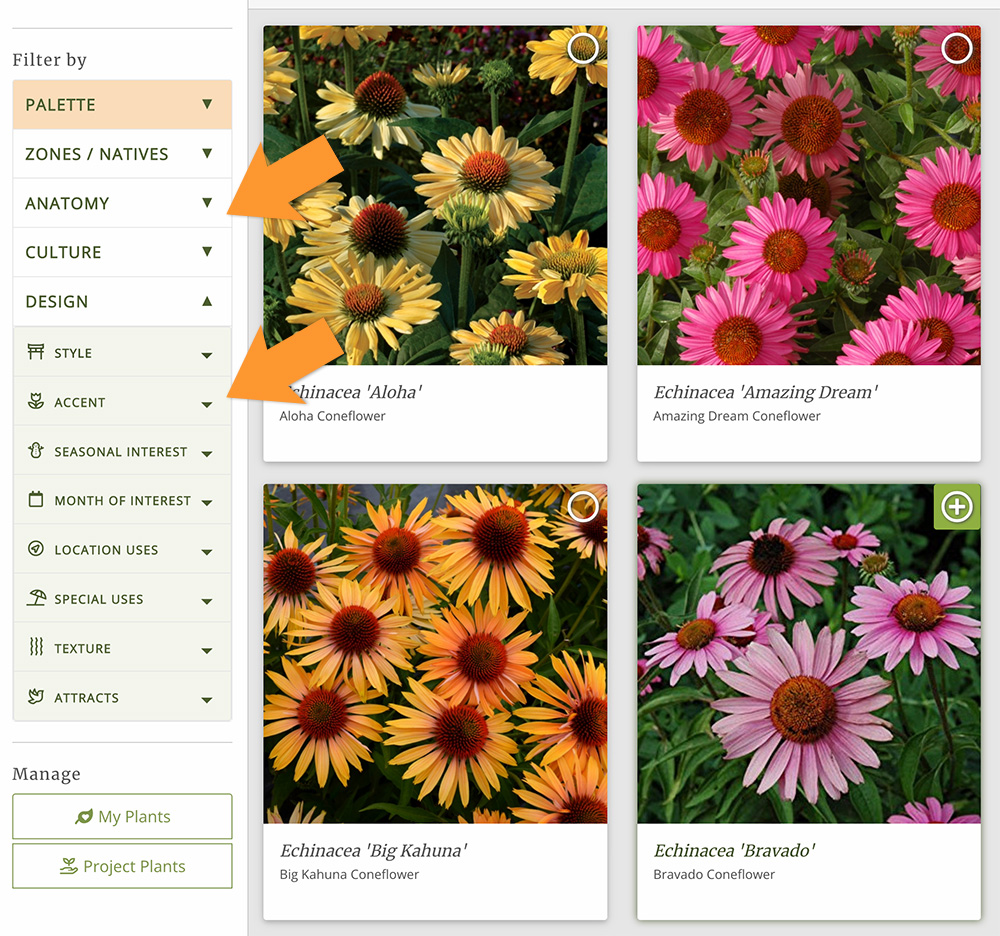
Explore design styles, accenting features, seasonal interest, special uses, and more!
Every detail you see in a plant record is also a filter in the plant search.
The more complete your plants are, the more specific your searches can get – which matters when you’re trying to find the right plant for a problem area in a project.
See more images for every plant.
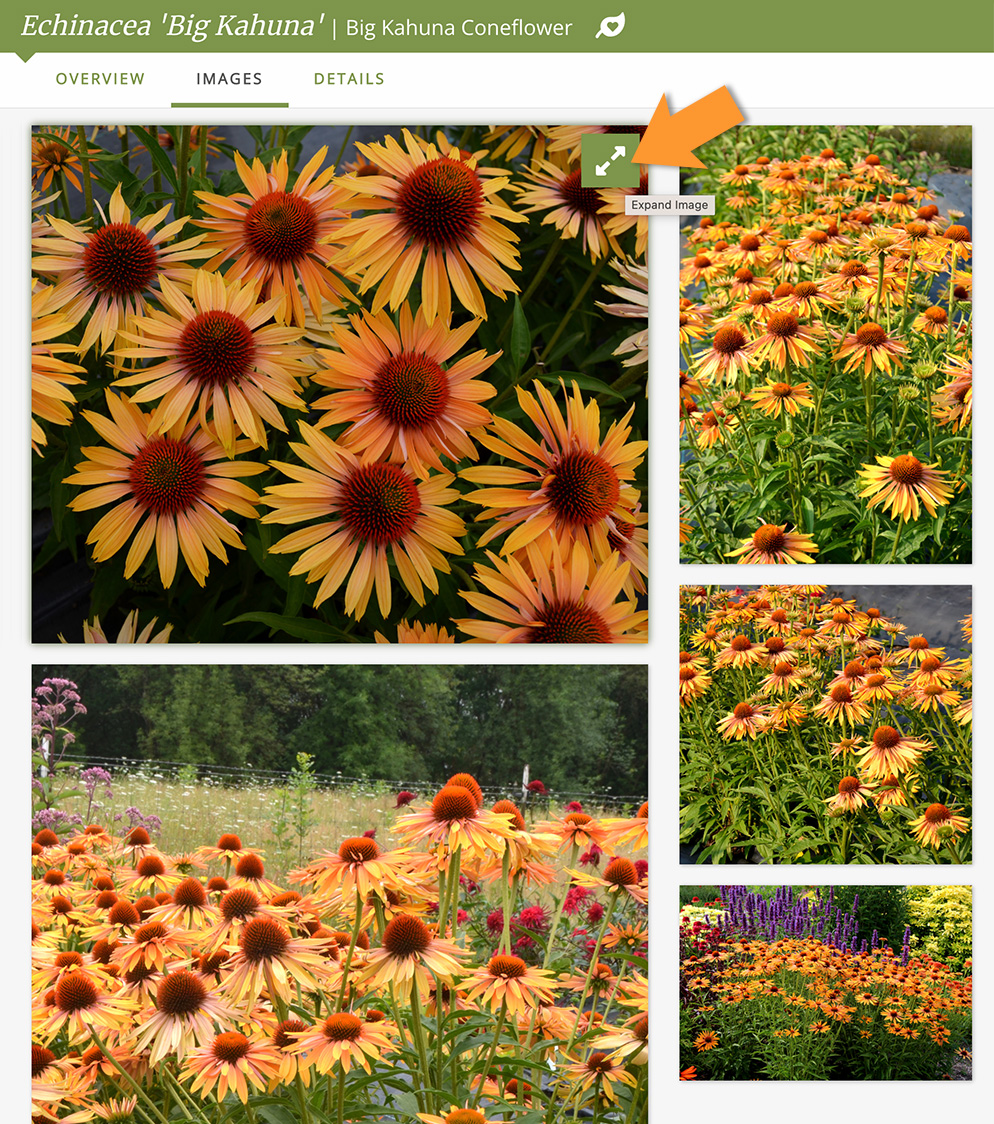
Most plant records give you one photo. We give you three to ten high-resolution images for every plant, showing it at different stages – mature form, in bloom, up close, through seasonal change. One photo can’t show you all of that.
That’s important for two reasons.
First, it helps you make better decisions. Large images are a great refresher to see what a plant looks like in the landscape before you add it to your design.
Second, it helps your client understand your vision. A rendering or drawing does a great job showing you what the space will look like. But a real photograph helps them feel what it will feel like in the garden.
When your client can see real images of the plants – they start to picture themselves in the space. And that makes it easier for them to approve your plants faster!
“One of the most important item to convey to clients is plant images and information. PlantMaster enables me to present a comprehensive package with several photo images per plant. Various reports and general plant information can be presented as well, all in an easy to use format for the client.
Maryanne Quincy, FAPLD | Q Gardens Landscape Design
What if you don’t have my plants?
We’ve worked hard to add the right plants to the database. But we don’t claim to have everything, plus we don’t want flat, AI-generated plant records.
If there are plants you regularly use that we don’t have, send us your plant list and we’ll work with you to add them.
Plus, you can always add any plants to your account. By the way, any plants you add or edits you make stay private to your account.
It’s your plant database after all.
Better results start from better plant records.
The care you put into your plant records doesn’t stay inside the software. It shows up in everything your clients see.