

Design & Build is the project workspace inside PlantMaster – where you organize your plants, build your schedules, and get everything ready to send.
Design & Build
You’ve added plants to your project. Now it’s time to do something with them.
Design & Build is your project workspace. This is where you take your rough ideas and turn them into the finished project.
In this workspace, you’ll start by grouping your plants into the spaces of the design – figuring out what goes where. From there can refine your choices, set your quantities, and work through the specifics.
PlantMaster builds your reports, schedules, and presentations automatically from the work you do here. So when you’re done, everything that goes out to the client, contractor, or nursery is already ready. You only have to do the work once.
Check out the tools in your project workspace.
Areas
PUT YOUR PLANTS IN THE RIGHT SPACES.
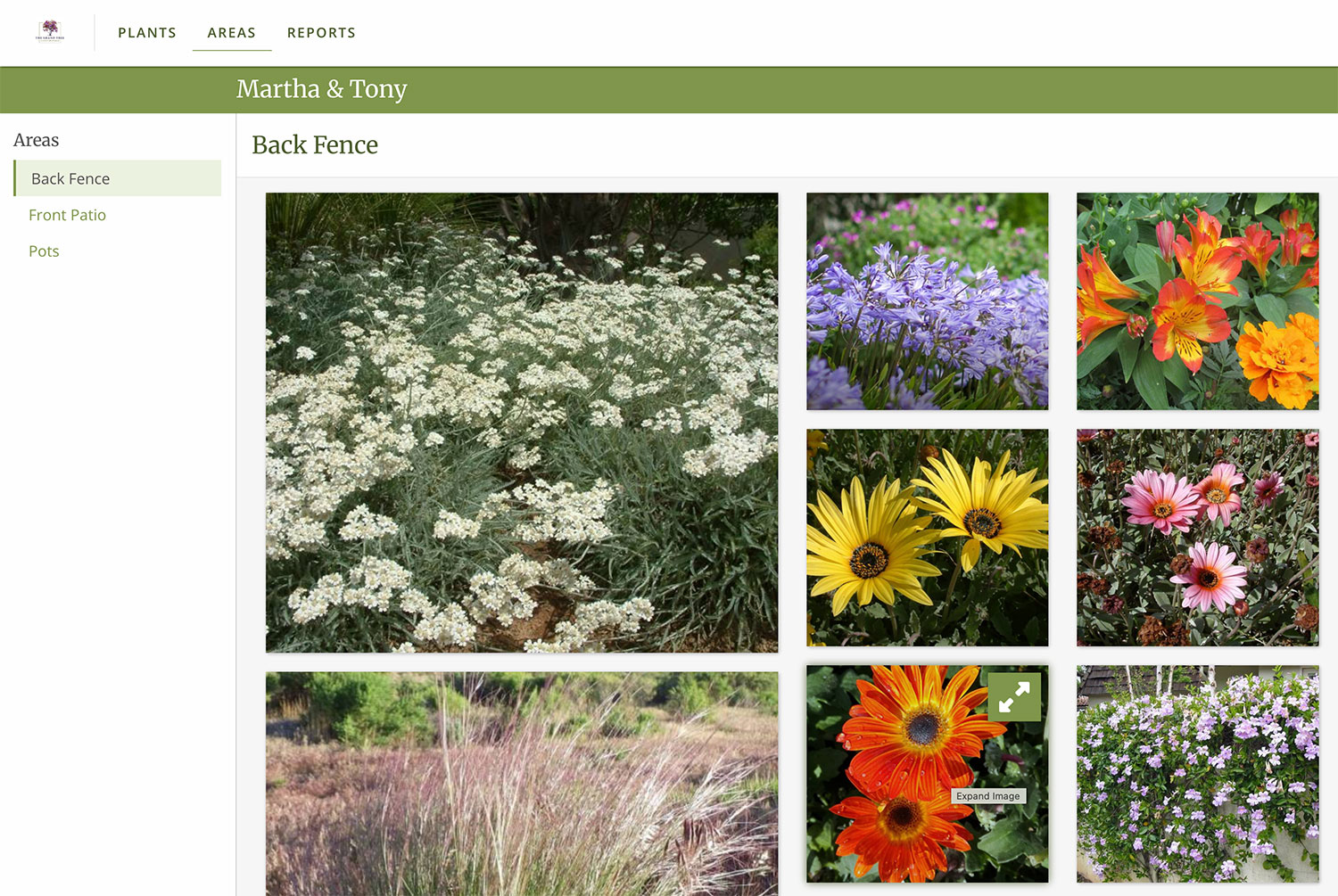
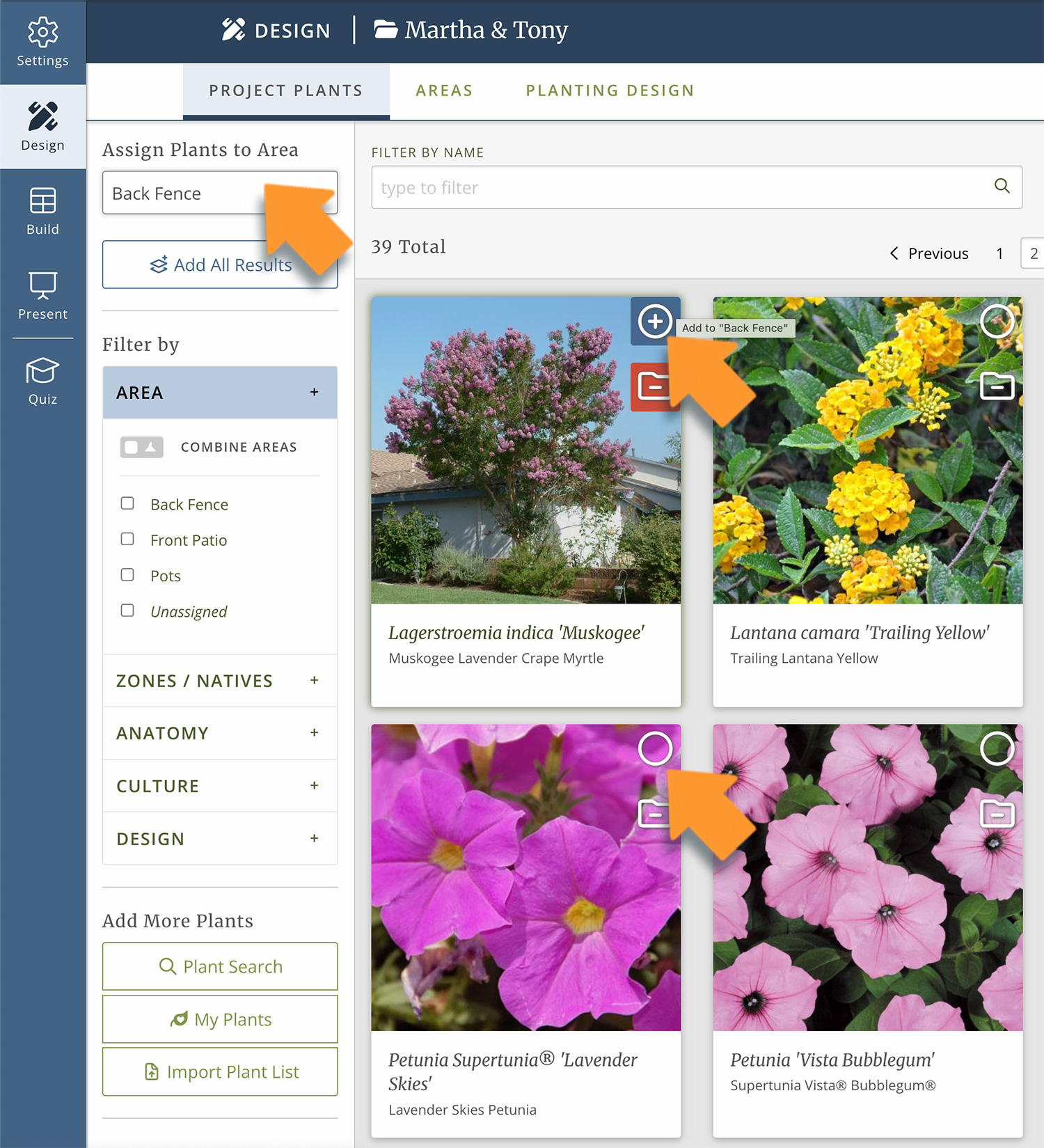
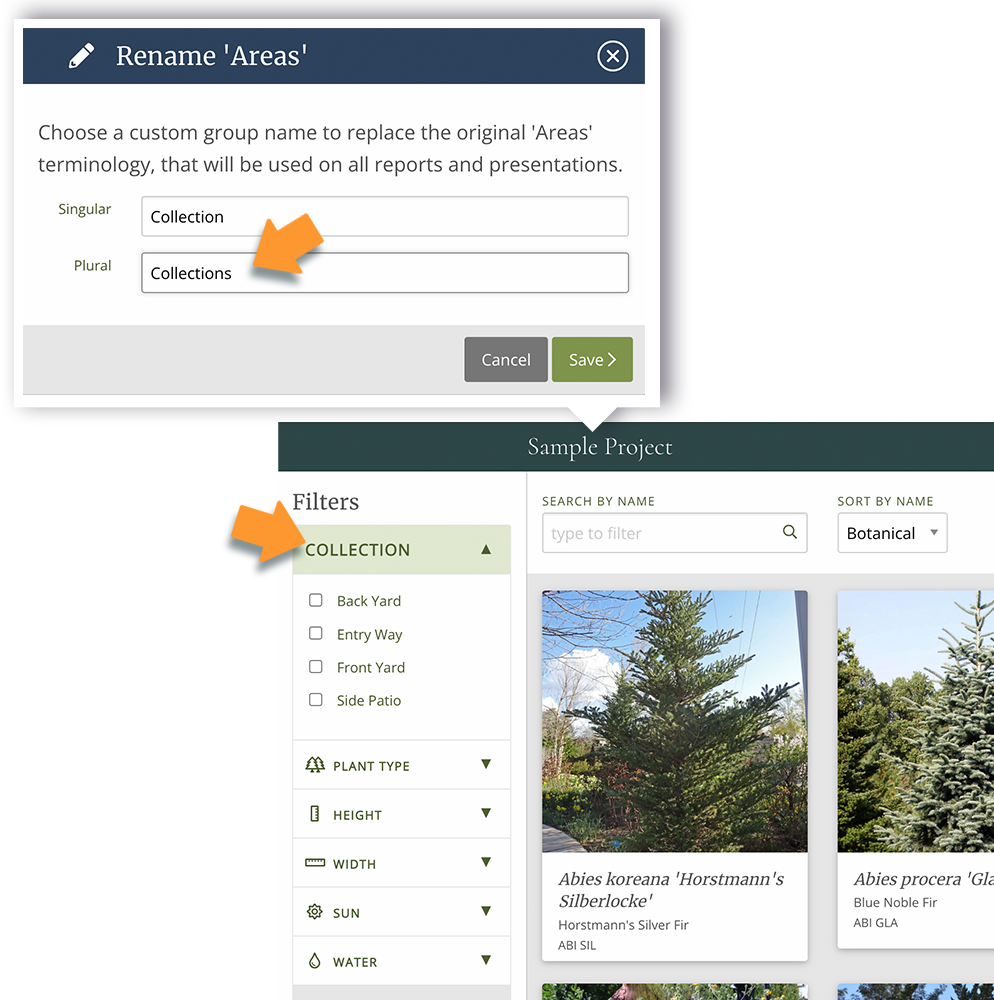
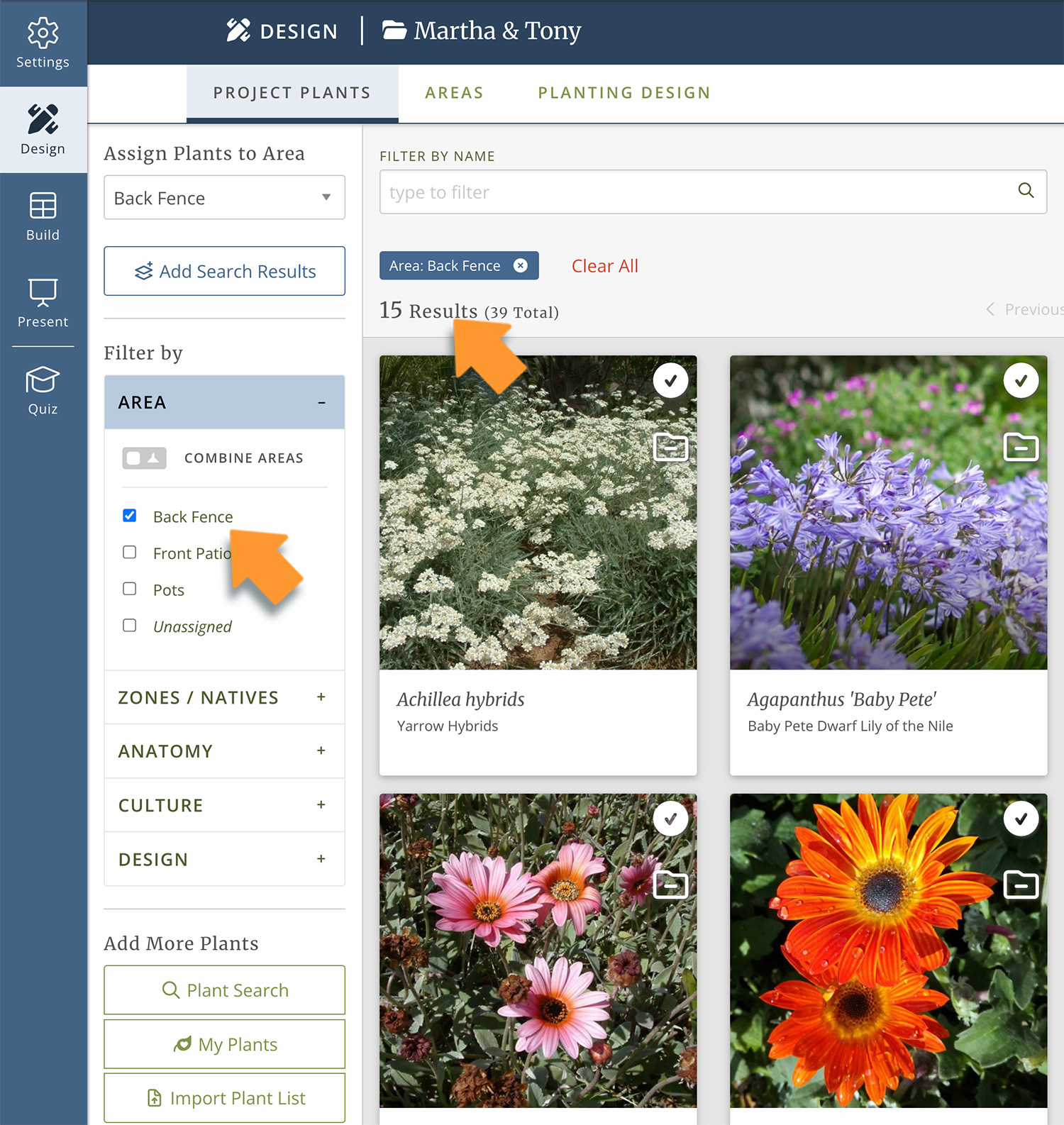
Every property has distinct spaces – the front entry, a back garden, a side yard. Areas lets you break your project into those spaces so you can walk your client through the plants room by room. Areas can represent whatever makes sense for your project. Phases, hydrozones, options for your client to choose from – you create as many as you need and name them whatever you want.
Planting Design
A SPREADSHEET YOU SHOULD HAVE OPEN WHILE YOU DRAW.
The Planting Design view is a spreadsheet designed to have open while you draft or draw. Its a table of every plant in your project listed alongside its key traits. Use it to sort your plants from shortest to tallest, or use the filters to find the right plant for every spot. Its the perfect tool to help you make design decisions as they come up – like What can I use in this shady corner that will have white flowers in June and will stay under 3ft?
Plant Schedules
BUILD YOUR PLANT LEGENDS HERE.
The plant schedule is where you finalize the sizes and quantities for every plant in your project. It’s a spreadsheet, but it’s connected to every plant record and deliverable in PlantMaster. So when you’re done, you choose how to send it – as a PDF, webpage or a spreadsheet. That’s it.
Plant Budget
KEEP A RUNNING TOTAL OF YOUR PLANT COSTS.
The Plant Budget is your place to keep track of your plant costs. Its connected to the plant schedule, so every time you update the size or quantity for a plant, the budget will update as well. Its a great way to keep track of how much you are spending on plants and stay within the budget.
“Every feature of this website is so dynamic and interactive. Everything from having templates and palettes from which to jumpstart the plant list and design process, to being able to filter the plant list by season of interest, water usage, plant type, etc.
The user interface is very intuitive, and I like the clean graphics and muted tones: very easy on the eyes, wonderful as I’ll be spending hours at a time using this program. I will definitely be recommending this product to other designers.”
Stephanie Bower | Transcapes
Ready to start using Areas?
Don't have an account yet? Visit the PlantMaster website to get started.