

The plant database is the foundation of how PlantMaster works – a centralized, editable collection of plants, images, and notes.
The more you edit the data, the more it becomes your personalized library over time.
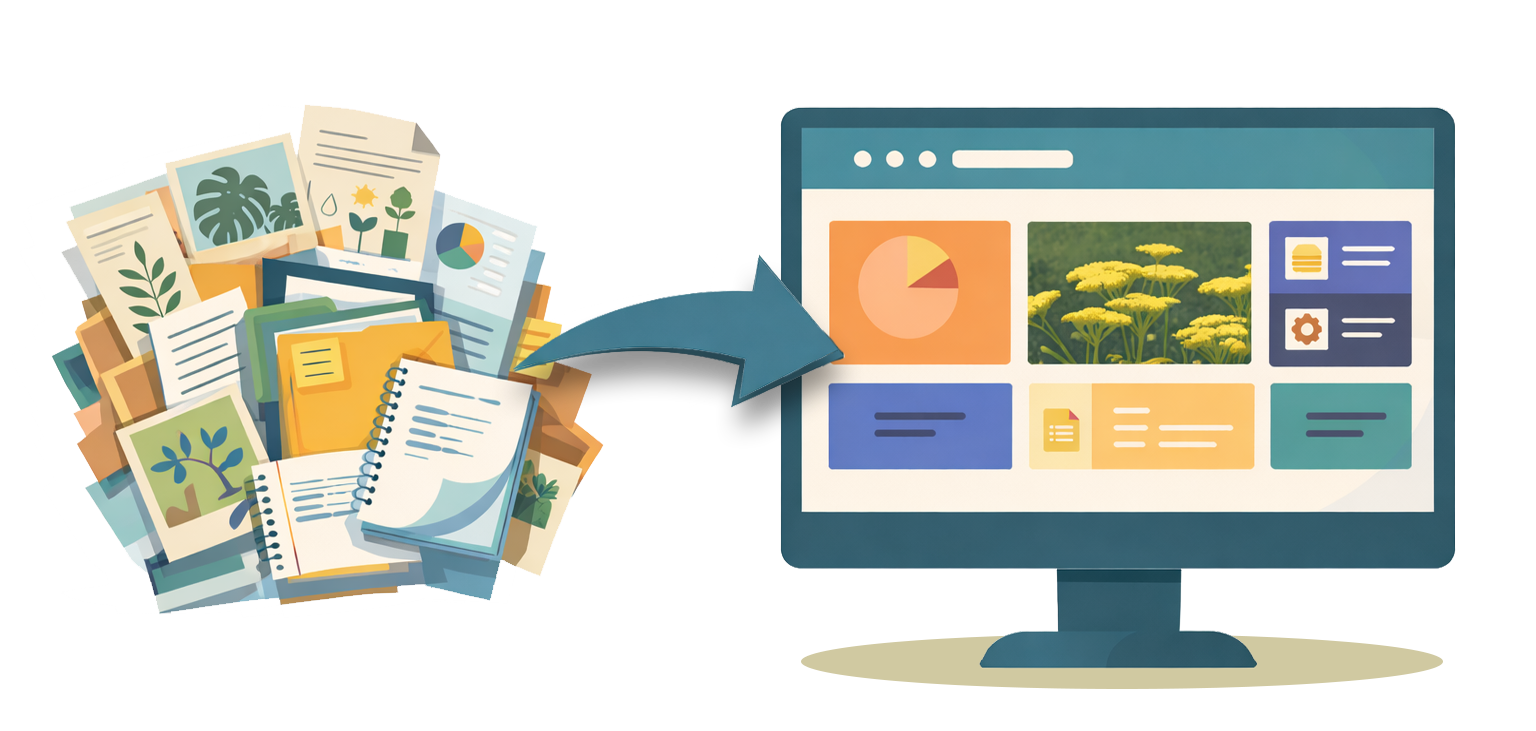
You need a plant database –
your own plant library.
You know your plants. You know which plants perform in your climate and what behaves nothing like the plant tag says.
And, right now you’ve probably got your own system using spreadsheets, images folders, and notes from previous jobs. But what happens when you need to make a change or swap out a plant? How much time does it take to manually update everything?
Managing your plant information should not be your full-time job.
You need a plant database – a better way to organize your plant knowledge.
But, most plant databases are locked – you’re stuck with whatever images and plant data they come with.
Not PlantMaster. Every element of every plant record is editable in PlantMaster.
If you know a plant blooms in June where you work, but we have it listed as may – change it! If you use a plant as a shrub, but we have it listed as a tree – update it. Add your own images and your own experience.
Think of the data in PlantMaster as your starting point. The more you edit the plants to reflect what you see in the field, the more the database becomes yours.
And because every tool – every plant search, your project workspace, and every report and schedule – pulls from this same database. Any changes you make are already updated in every deliverable you send out the door.
A centralized home for plant data, images, and your notes.
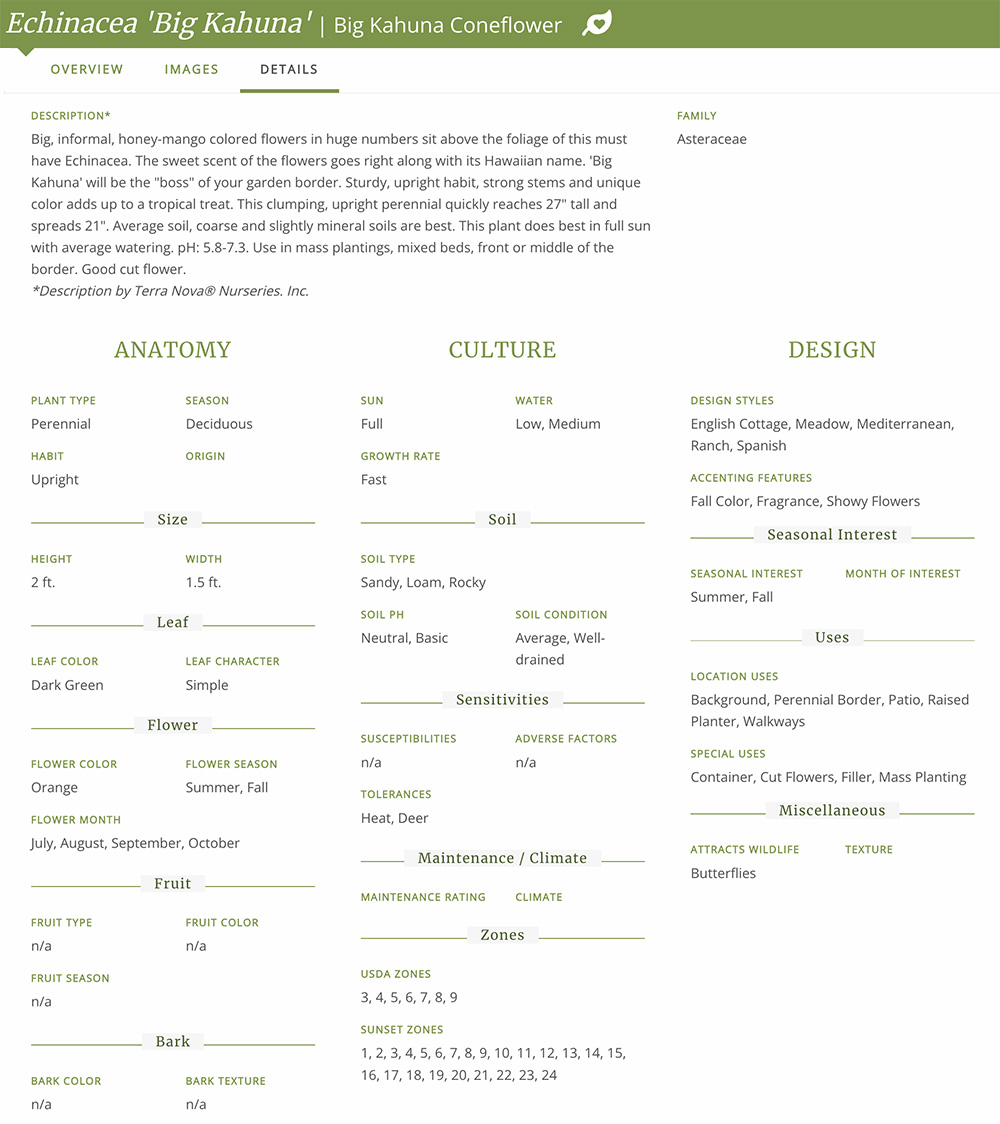
Customizable plant records.
Every plant record in PlantMaster contains more data and more images than you’ll find anywhere else. And every detail is editable.
Change anything that doesn’t match what you see in the field and add your own notes. Customize the plant records to suit your needs.
A better plant search.
Sometimes you know exactly what a space needs and just need to find the right plant. A plant that tolerates wet feet, stays small, and blooms in June.
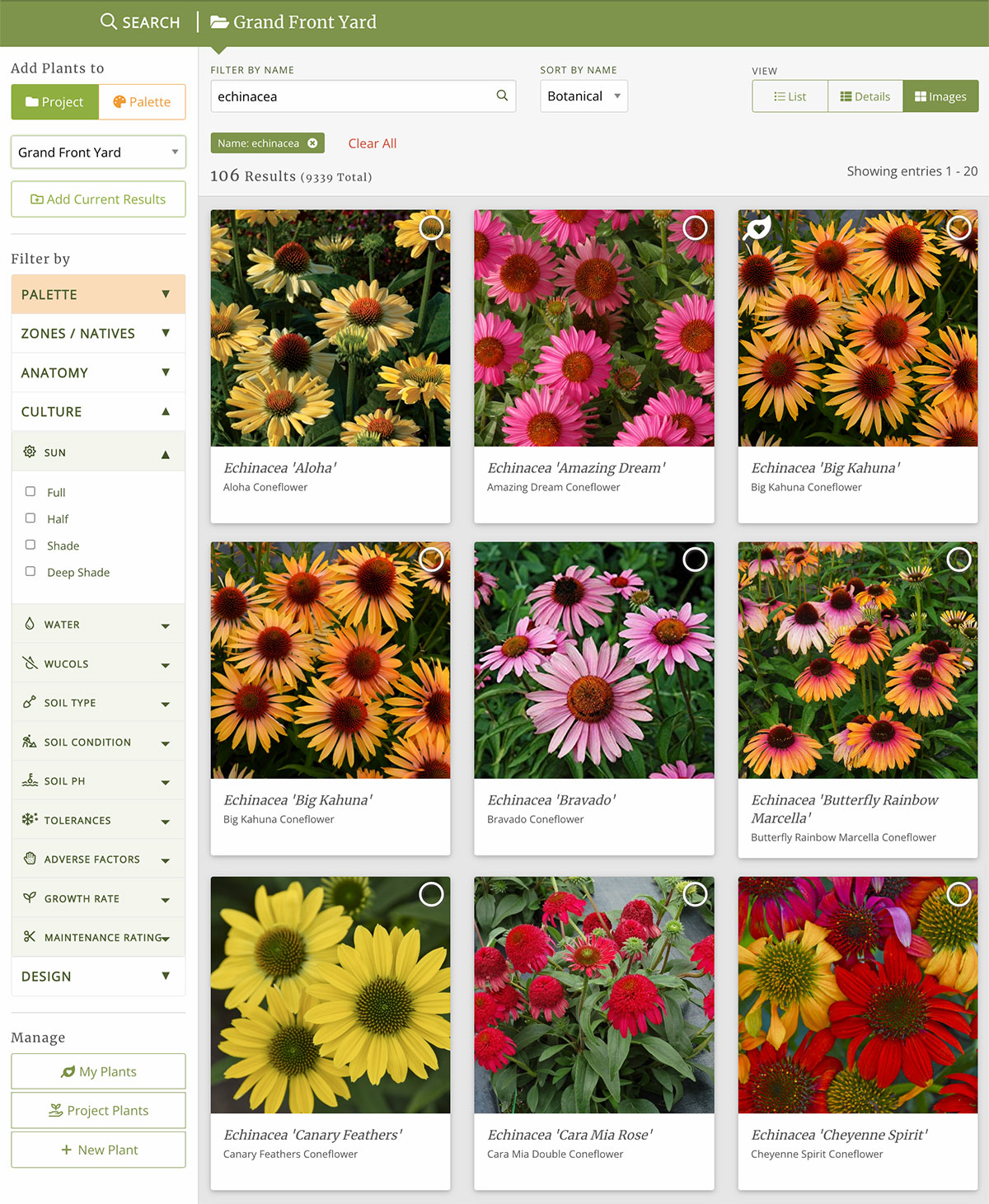
Use the plant search to cross reference traits like size, sun, soil water, design styles, season of interest (and more) to find the plants that will work for every space.
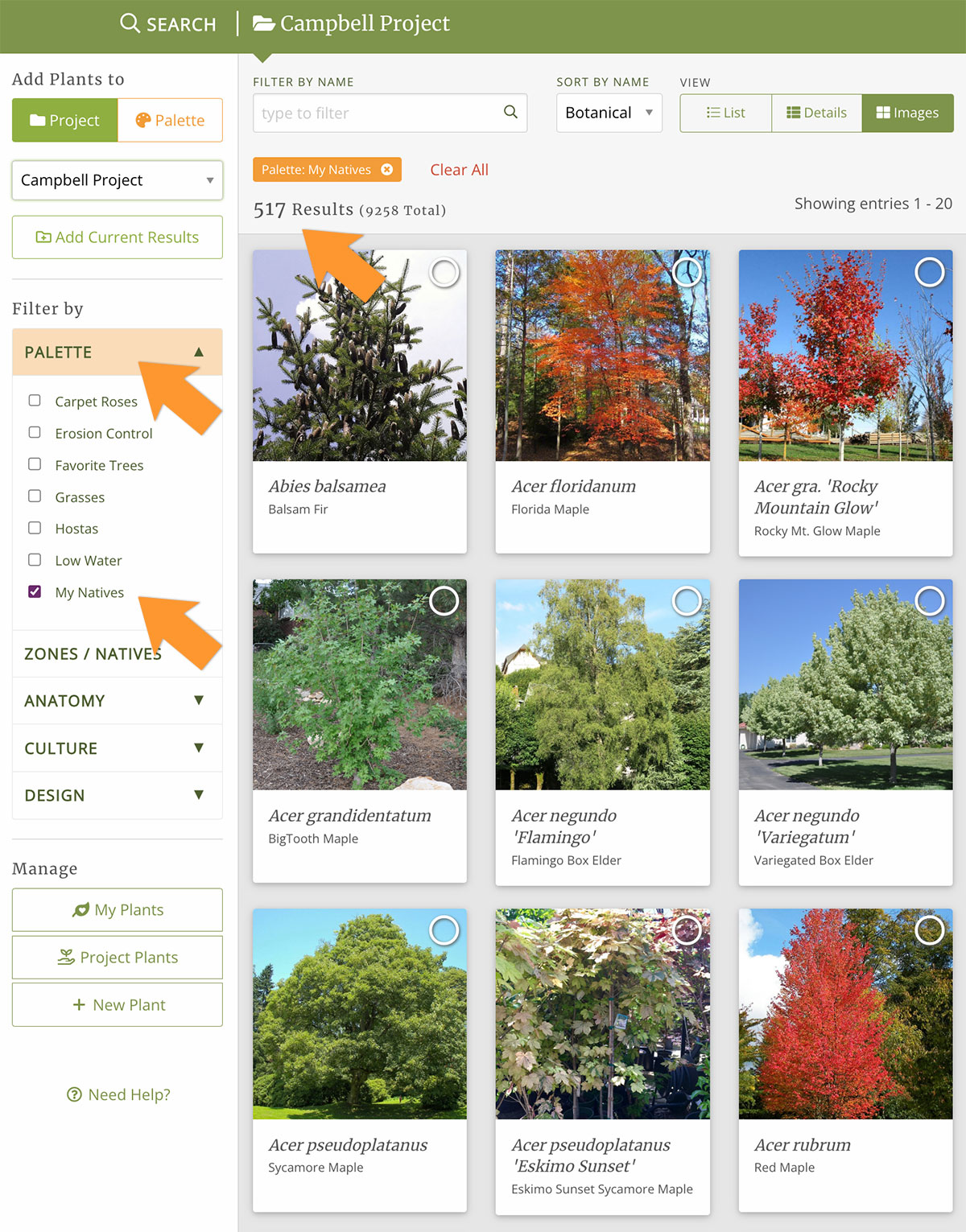
Create quick lists for plants you use all the time.
Stop searching though the whole plant database.
Create custom lists of your most-used or problem solving plants to give yourself a headstart whenever you need to find plants for a project.
Think of palettes as your own personal shortcut.

“Just a quick note to tell you that I continue to be amazed by PlantMaster. I’m usually in a hurry when I use it, so I knew there were lots of features I wasn’t using.
But today, stumped on some fresh ideas for plants that bloom orange, I logged in and OH. MY. GOSH!! There they all are, by zone, size, bloom color, etc. How did I not use this before! Wow, just wow! This is exactly what I need.
Kelly Marshall | Kelly Marshall Garden Design
Use a plant database to save precious time. Spend it designing not managing your plants.
Bring your plant data, images, and notes into one connected system – and start designing with it!
Frequently Asked Questions
What should I look for in a plant database?
Great question! We’ve laid out the criteria you should use when you evalutate a plant database for professional design work.
Read: The best plant database for landscape designers →
How many plants are in PlantMaster's plant database, and what does it cover?
The plant database has more than 15,000 plants and more than 100,000 images, and it’s growing every day. The database covers the United States and is expanding internationally. We work with designers in every region to ensure we have the right plants.
Plant types range from trees, shrubs, and perennials, to grasses, succulents, and ferns – you can search every plant by more than 500 different characteristics. If you can’t find a plant you need, contact us and we’ll work with you to add it.
Where does PlantMaster's plant data come from?
Our horticulturists add ever plant, using nurseries, botanical references, and other verified sources, and check the data for accuracy. We have real people working to add these plants (no bots). We all know plants perform differently from one climate to the next, so we’ve made every plant record editable. You can update any plant information to match what you see in the field. That change will automatically be applied everywhere you use that plant.