

Send stunning plant reports.
You found your plants. You’ve organized your project. You’re ready to share.
PlantMaster makes beautiful, professional reports for you automatically. You don’t have to do anything except pick which one to send.
Send stunning image galleries, detailed plant records, or fun visual charts that make your client excited about what’s coming.
Here’s what you can create.
LEAD WITH PLANT IMAGES
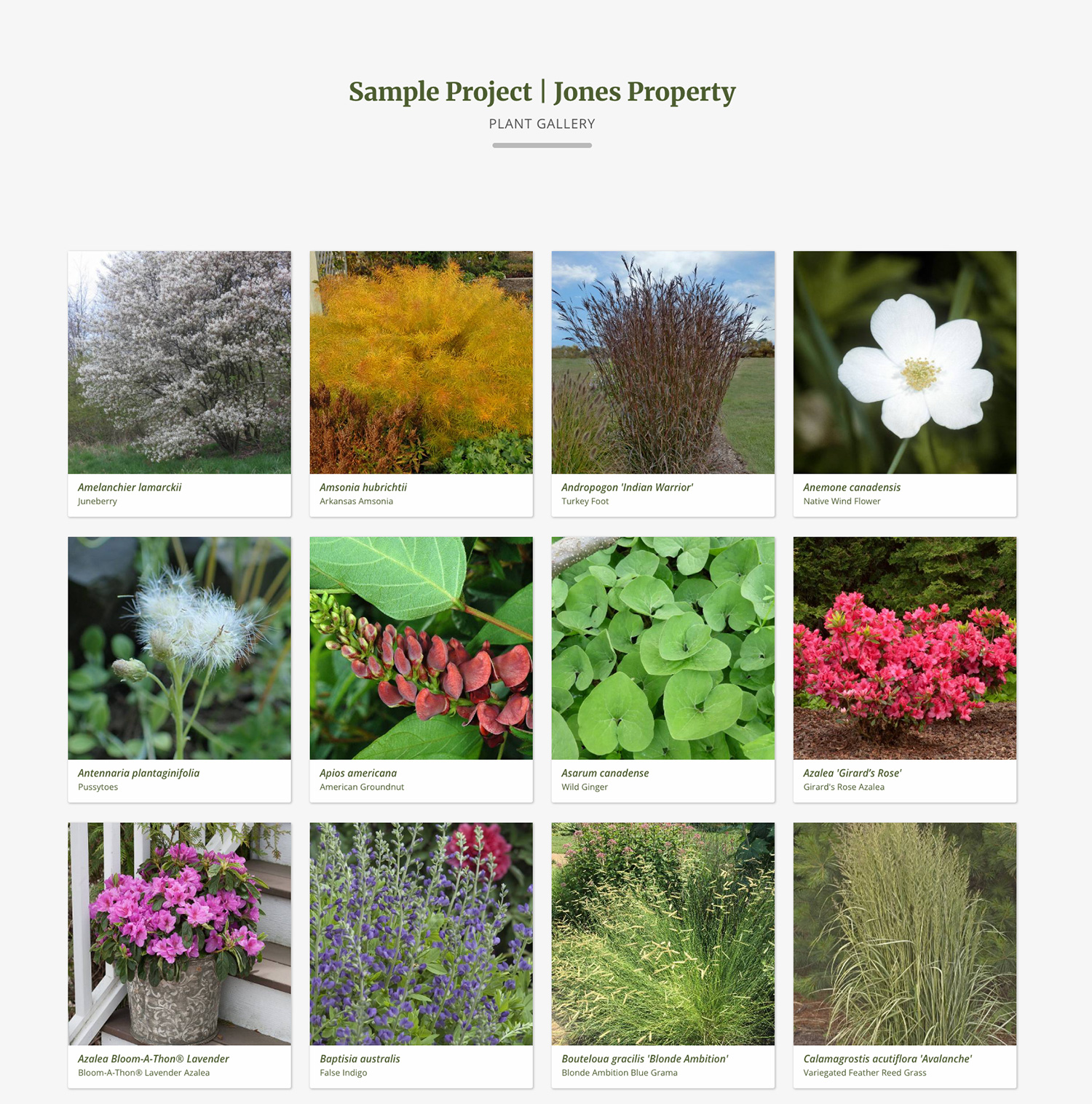
Plant Galleries
The fastest way to make the design feel real. No words needed – just your plants, big and beautiful, with their names written below.
Walk your client through this collection of plant images. Visual first, minimal text.
THE FULL STORY BEHIND EVERY PLANT
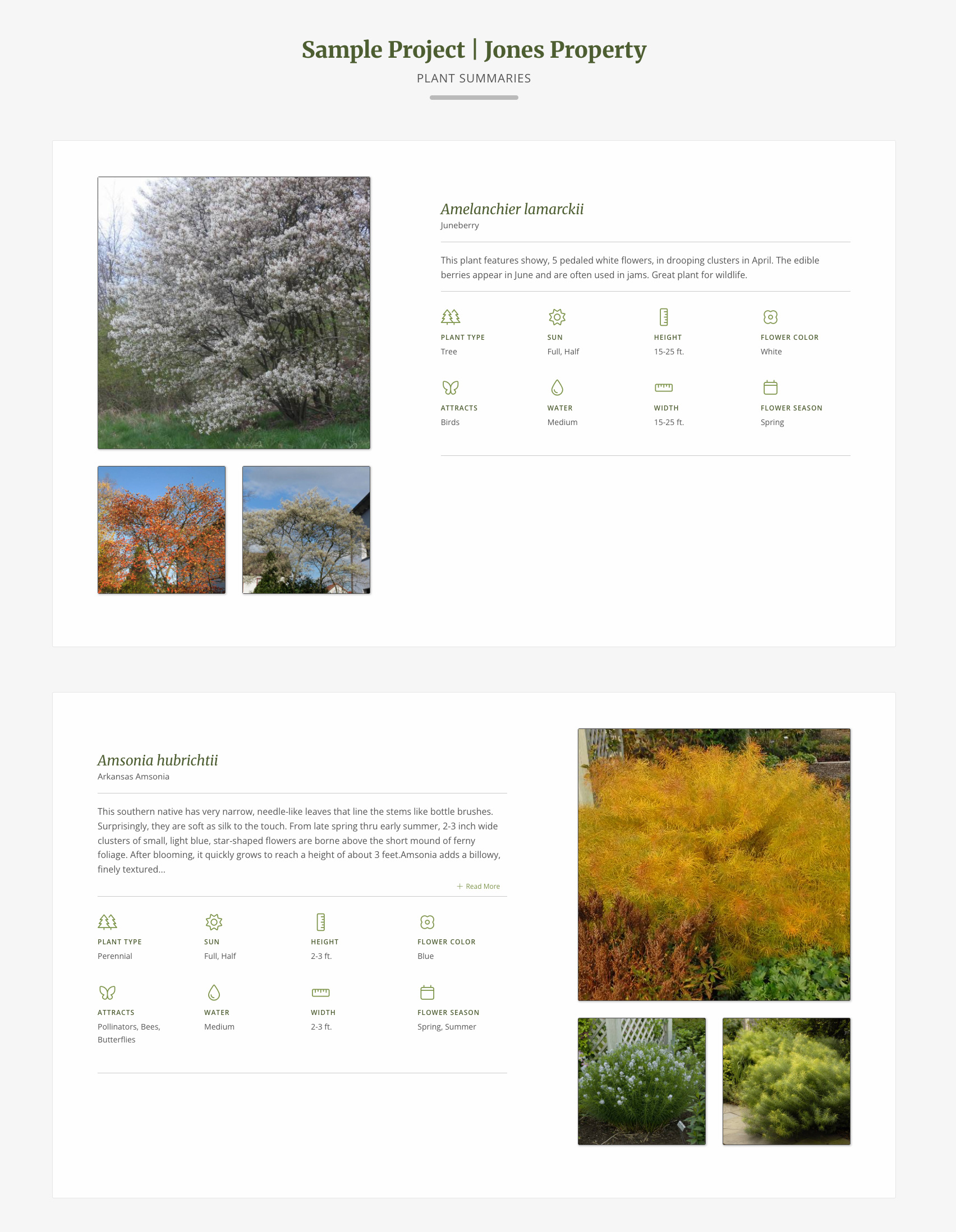
Plant Details
Two options – a brief overview of each plant paired with several images, or a full detailed record with every characteristic.
You choose how deep to go based on what your client needs.
VISUAL GRAPHS AND CHARTS
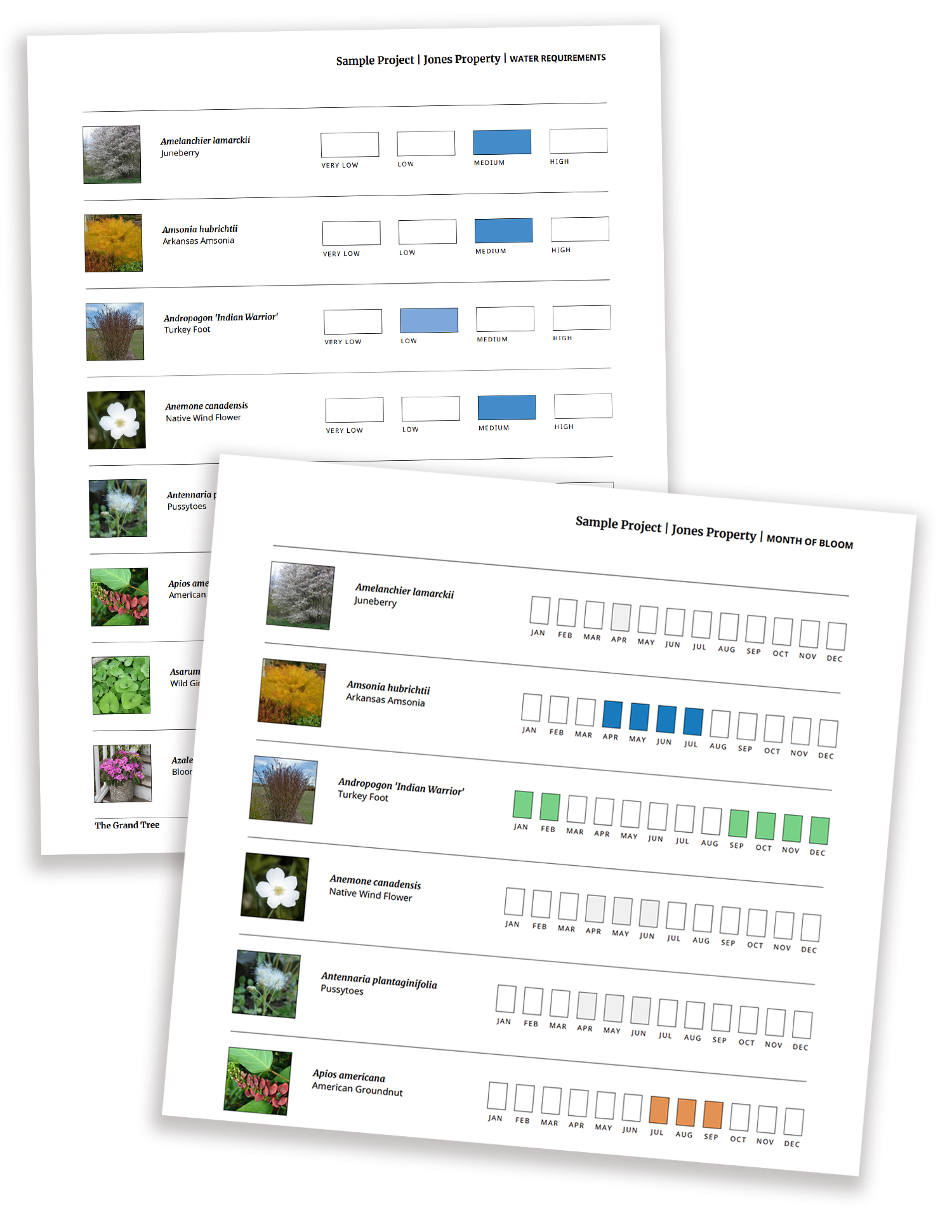
Charts and Fun Lists.
Visual reports that show the project from a different angle.
Instead of a list of plants, your client sees the design as something that lives and changes – what blooms in June, which plants need the least water, which plants attract wildlife.
Data made visual, in a way that makes the design feel alive.
“My clients love these reports (I call them fun lists). They feel like they’re visually checking things off a list – see how many low-water plants I have, see how many plants are blooming this month.”
-Alison Fleck | Simply Perfect Gardens
Two formats. Three ways to organize.
Send every report as a PDF or web link.
Every report comes in two formats. PDF or web report. You choose based on what the moment calls for.
PDF Report – This is exactly what you already know – print-ready, polished, and designed to a specific page size. Generate a PDF report in seconds and add it to your packet or hand it directly to your client. Available in 8.5 x 11 or 11 x 17 formats.
Web Report – the same report delivered as a live link instead of a file. Your client clicks on the link to open a custom web page. Because its designed for viewing online, it looks stunning on any device – phone, tablet, desktop. And because it stays connected to your project, it will update automatically if you need to make any changes.
The next time your client views this page it will include all your changes. You don’t have to resend a thing!
Organize it your way.
There are three different ways you can organize these reports.
Alphabetical – A standard report with all the plants in alphabetical order based on their botanical or common name.
Plant Type – Group the plants by plant type. So, you’ll see Trees, Shrubs, Perennials, etc.
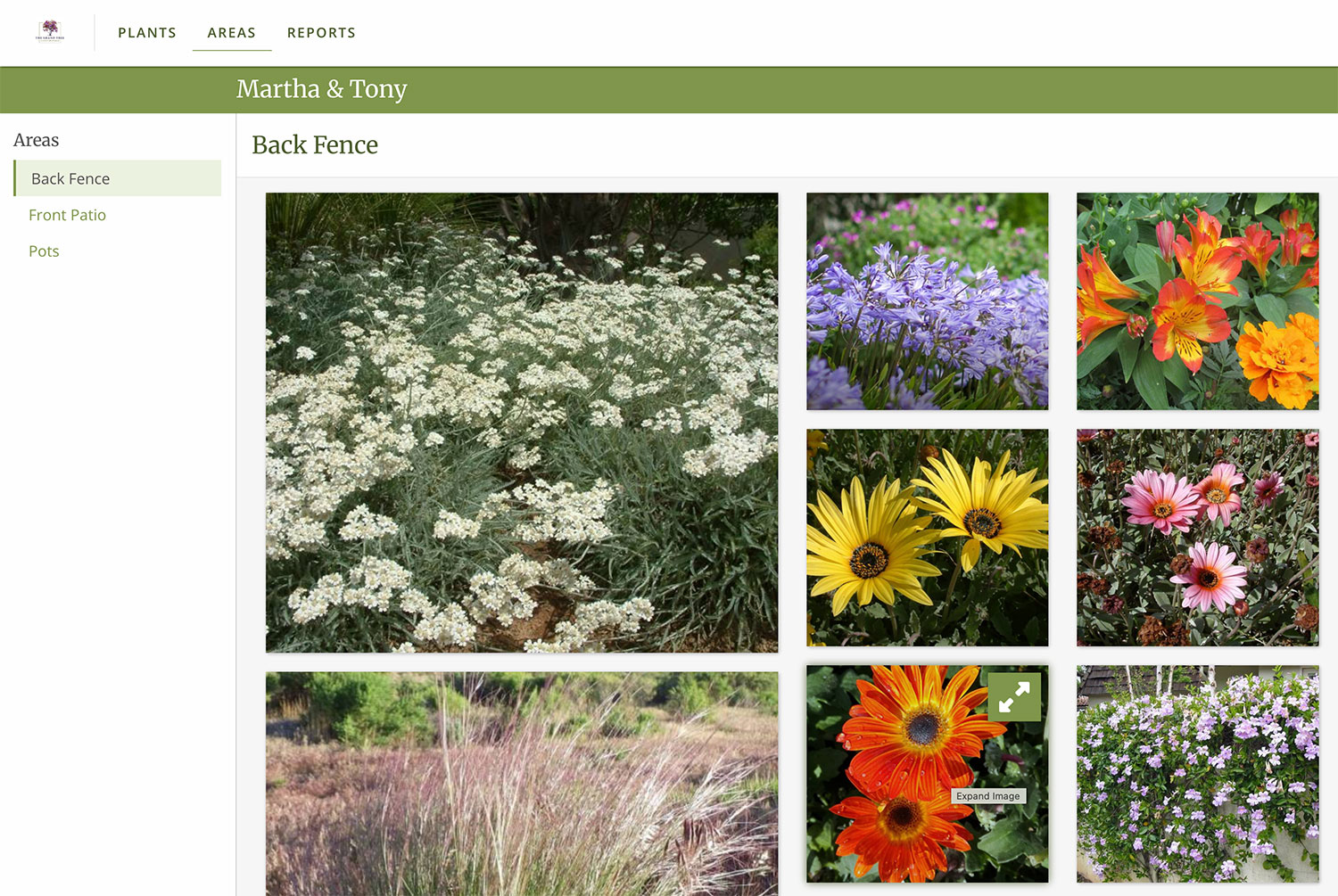
Area – Walk your customers through the plants space by space. Group all the backyard plants together, patio plants together, etc.
“One of the most important item to convey to clients is plant images and information. PlantMaster enables me to present a comprehensive package with several photo images per plant.
Various reports and general plant information can be presented as well, all in an easy-to-use format for the client.”
Maryanne Quincy, FAPLD | Q Gardens Landscape Design