

Imagine sending your client to a custom website made just for them — their name on it, your logo, a note from you, and every plant you picked for their yard laid out and ready to explore. And don’t worry, you don’t need to build any of it. PlantMaster does that part. Just copy a link and send it.Send your client a custom website (micro-site) built from your plant selections – no design work required.
AT A GLANCE
What is a micro-site?
What is a micro site?
Simply put, its a custom website PlantMaster builds behind the scenes for your client – made entirely from the plants you’ve already organized in your project.
What’s included?
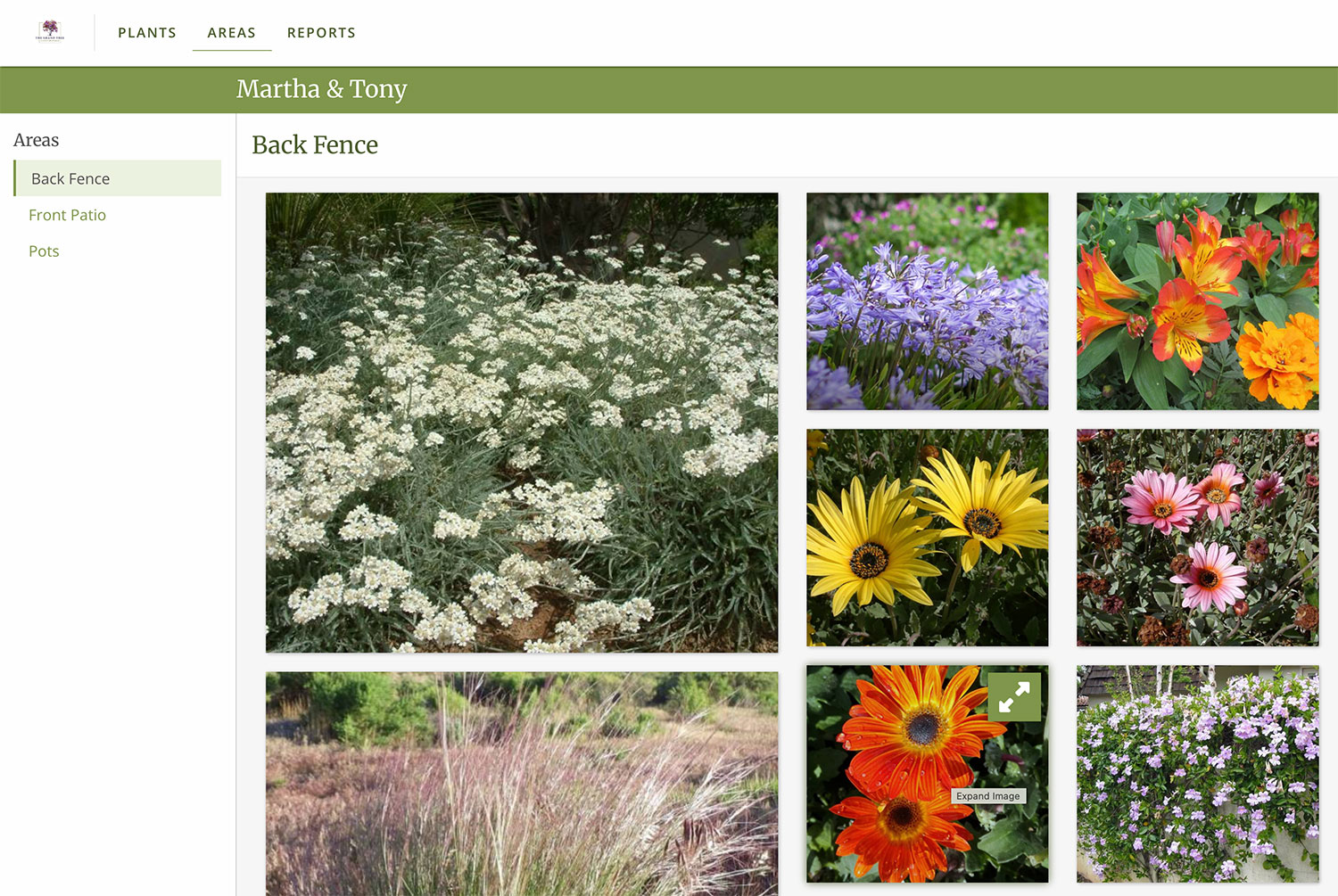
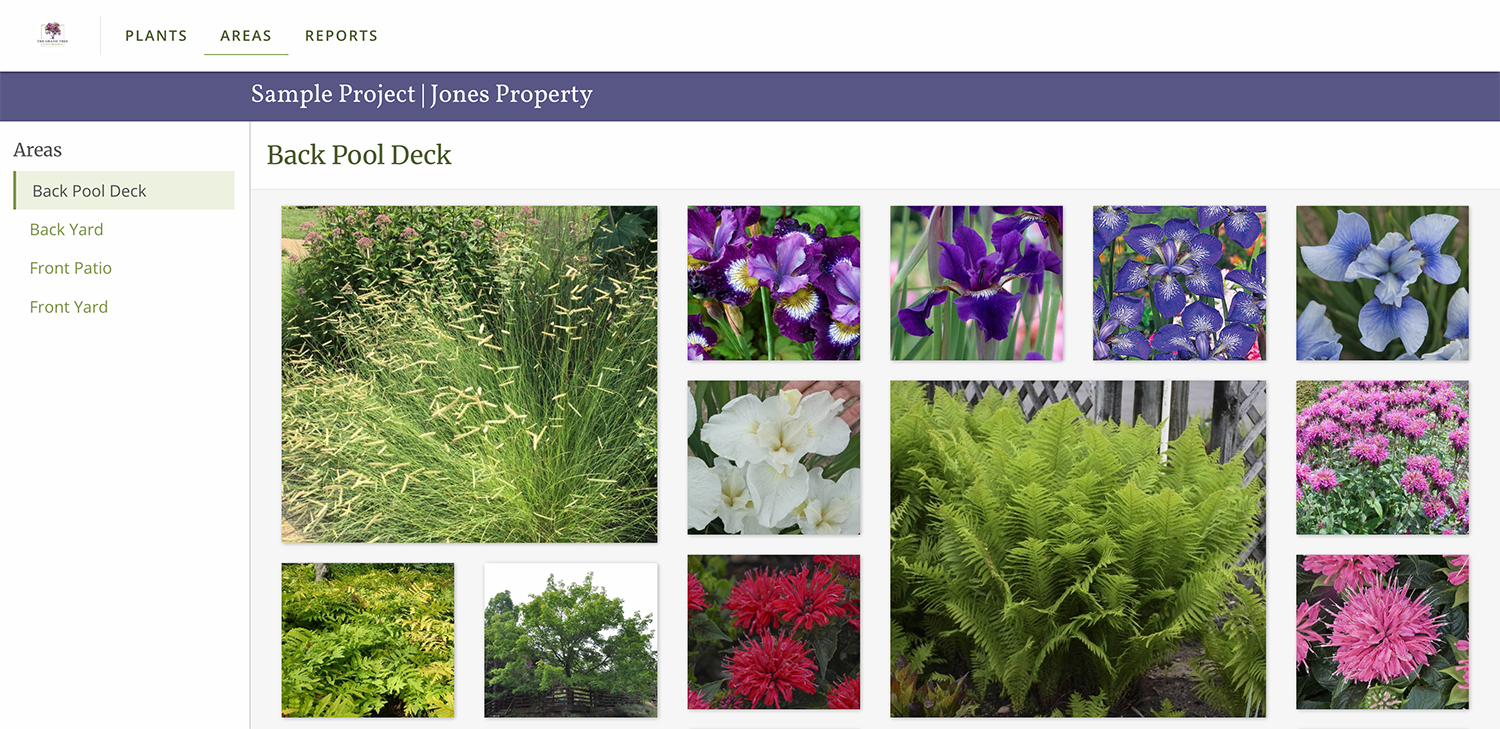
A cover page with your logo and a custom note to your client. Open the site to see a grid of large plant images with filters to explore. Your clients can click on any plant to see more images and learn more about that plant. Every micro site also includes collages of each space in the garden and a group of fun reports.
What do I have to do?
Send it – that’s really it. You can customize your note or branding, but otherwise, all you need to do is copy the link and send it to your client. This link stays connected to your project – which means that as you make changes to your project, you don’t have to send a new version, the micro site will automatically update to match your changes. And no, your client does not need PlantMaster to view this site.
The benefits of sending a custom website (micro-site).
Don’t just inform your clients, get them emotionally invested.
There is something special about images that is hard to quantify. But somehow, big, high quality photos make your client feel like they are in the garden. Your clients are there to review the plants and make some decisions, yes.
But a micro site changes that experience from “I’m here to evaluate the plants” and turns it into “I’m having so much fun!” And a client who is emotionally invested says yes faster and pushes back less.
Save yourself a ton of time. (And work)
Save yourself a ton of time. (And work) You don’t have to do anything to create a micro site. You don’t have to learn website design or do any layout. You already did the hard work of selecting plants and organizing them in your project. PlantMaster creates the micro sites as a byproduct of that work – you can sit back and relax.
Your project and micro-site stay connected.
Your micro-site and your PlantMaster project are dynamically connected. What does this mean? It means that when you need to swap out a plant or make any changes to the project, those changes automatically happen on the micro site, too.
You don’t have to send a new link – all your client needs to do is refresh the page. And you don’t have to keep track of versions or send separate links with every change – just let your client know to take another look at the micro-site.
No one else is doing this.
Right now, no other plant-focused software offers micro sites. Actually, they don’t offer deliverables that can be viewed online at all.
So, while the other design professionals are still sending static PDFs, stand out by sending your clients to a custom website created just for them.
I wish I could remember the exact words, but my client called me last week after I sent a micro-site that broke all the plants down into areas and they just loved it!
It helped them really visualize the plants I had chosen. They were excited to see the different blooms, leaf colors, and texturs, they could even see even with plants not in bloom that there is lots of interest to enjoy.
For me, I am loving each and every update that you build into PlantMaster. It helps me presentation a much more professional vision of a garden that will soon be ‘alive’ in their garden. ”
Connie Lefkowitz, FAPLD | CL Gardens
How to use it at every stage of your project.
EARLY IN THE PROJECT
Land the job before anyone else has a chance.
Imagine this – you just left the first meeting. You haven’t gotten the contract, yet. But, you’ve had a lengthy conversation with the client and there are a handful of plants you just talked about – nothing concrete, but a bunch of great ideas.
Now imagine walking out to your car and pulling up PlantMaster from your phone. From your car you can easily create a new project, add the client’s name, and quickly add all plants you remember from your discussion, plus a few more you know they’d love. In 10 minutes you could put together everything you need.
Before you drive away, your client could be looking at a custom presentation. All you have to do is create a micro site and send a quick email with “Here’s a few of the plants we spoke about today. Let me know what stands out to you.” Can you imagine how excited they would be?
And how quickly you would win the job?
AS THE DESIGN DEVELOPS
Start organizing your project into its spaces.
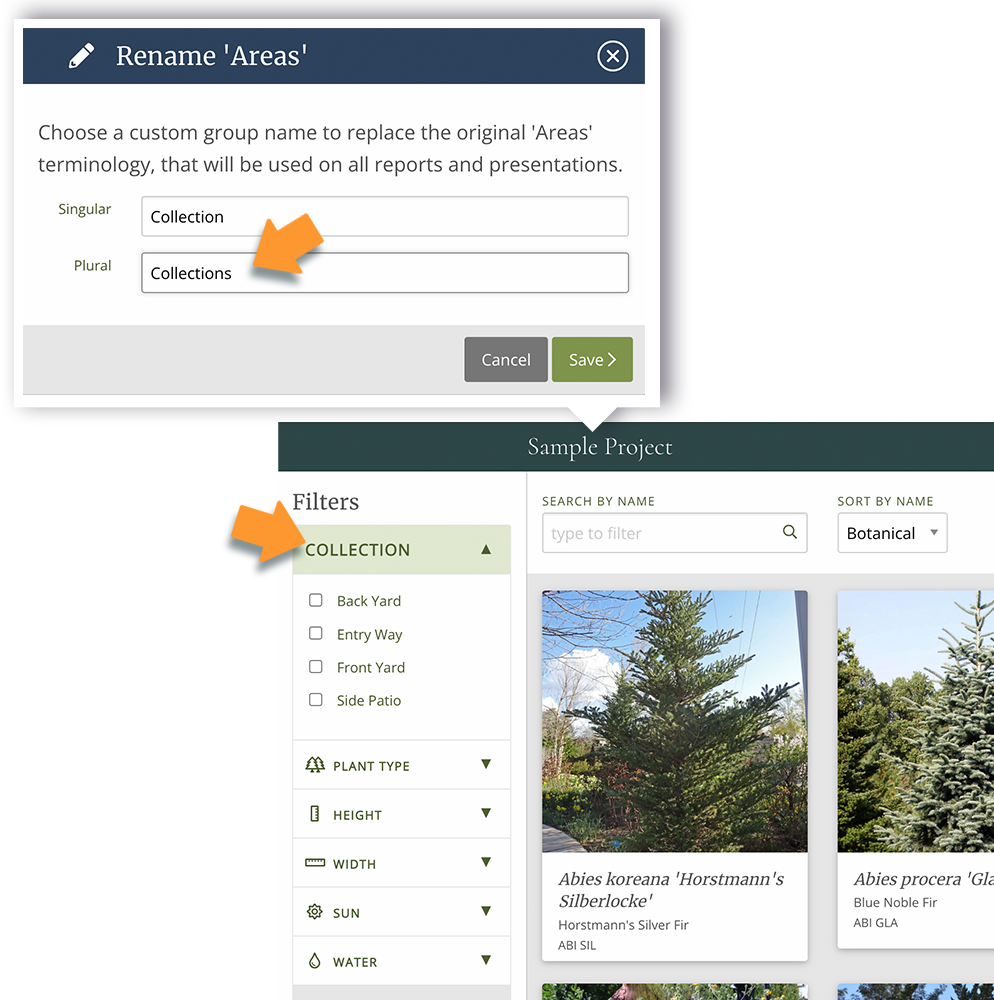
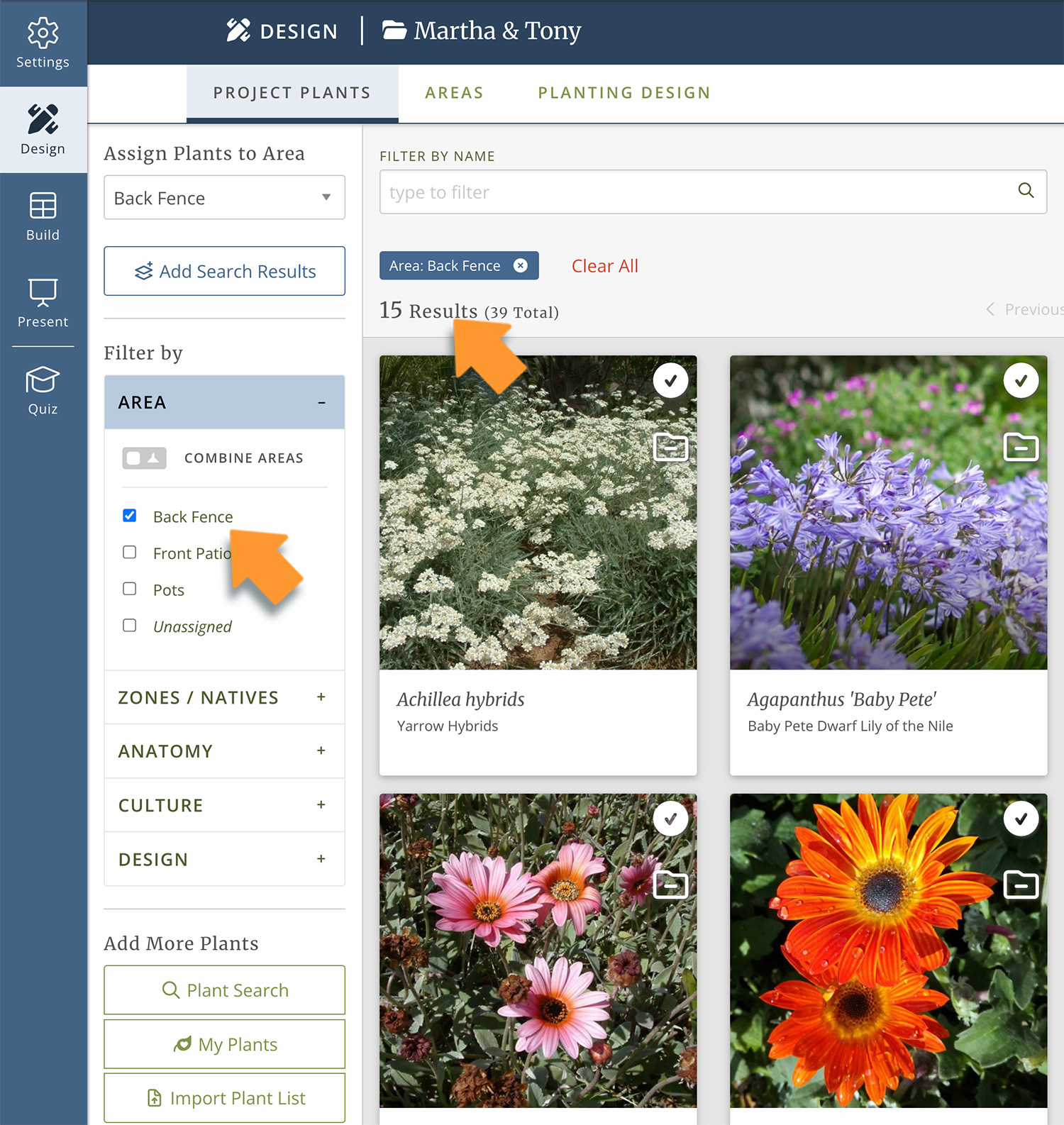
As the project develops, start giving your client options. Now you’re starting to create a real plant list. Start organizing plants into the various spaces – “Here’s what I’m proposing for the front yard, the pool area, the meditation garden. Check out the colors we talked about and how we’re bringing in winter interest.”
You don’t have to send a new link, just let your client know its time to take another look.
AT THE CLOSE OF THE PROJECT
Give them the best leave-behind.
Once your plant palette is complete, leave your client with something to keep. Make a strong impression as you close out the project. Use the microsite as part of your leave-behind, a living site they can return to whenever they want to learn more about what’s actually in their garden.
“Here’s exactly what went into the ground in each area. Feel free to keep using this micro site to learn more about the plants we used. I’ll keep it live for you.”
What’s included in every custom website.
Cover page
Your logo, your client’s name, and a custom note from you – whatever you want to say at that stage of the project. (change it as often as you like)
Plant grid & plant records
Large images of every plant you selected. Click on any one for more photos and full plant details.
Filters
Use the filters to find exactly what you’re after – every low water plant, the plants for the front yard, everything with winter interest.
Live link
Everything stays connected. Change anything in your project, and the micro-site updates automatically. No rebuilding or resending with every change.
Your branding
Your logo, your colors on the cover page and titles of the micro-site. It looks like your studio built this, because you did.
Areas & reports
See collages of the plants – organized into their spaces in the overall design, plus explore fun charts and reports. All built automatically.
(Learn more about Areas)
“I feel that PlantMaster makes my presentations look professional and polished. It is a great tool to communicate our vision to clients.
The high resolution images and the different aspects of each plant really helps customers as they are presented plants that, most of the time, they are not familiar with.”
Amelia B. Lima | Amelia B. Lima and Associates, Inc.