

Send a plant schedule that looks like you spent the weekend on it. When you really spent just thirty seconds choosing what to send.
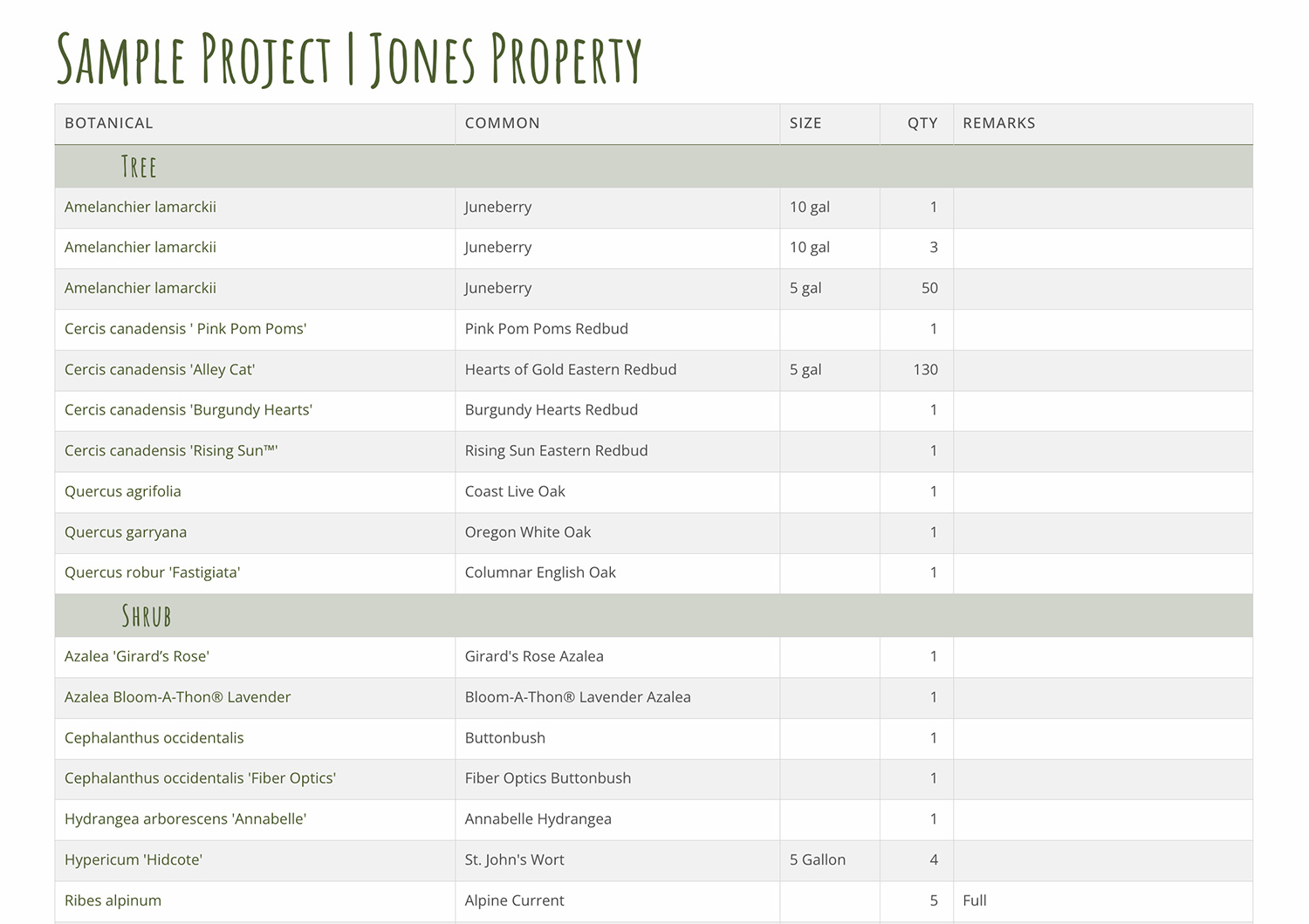
Send impressive plant schedules.
Plant schedules are a known quantity in this industry. You’ve been making them for years. And while we don’t claim to reinvent the plant schedule (yet!) – we certainly make it easier to build them.
A PlantMaster plant schedule is a spreadsheet-style document that is built automatically from your project. Which means the minute you’ve set up the plants with their quantities and sizes inside your project – your schedule is instantly ready to send.
Plant Schedules list every plant and include key information like the plant code, container sizes, quantities, and remarks in a layout that’s cleaner and more visual than anything your CAD program or traditional spreadsheet can produce.
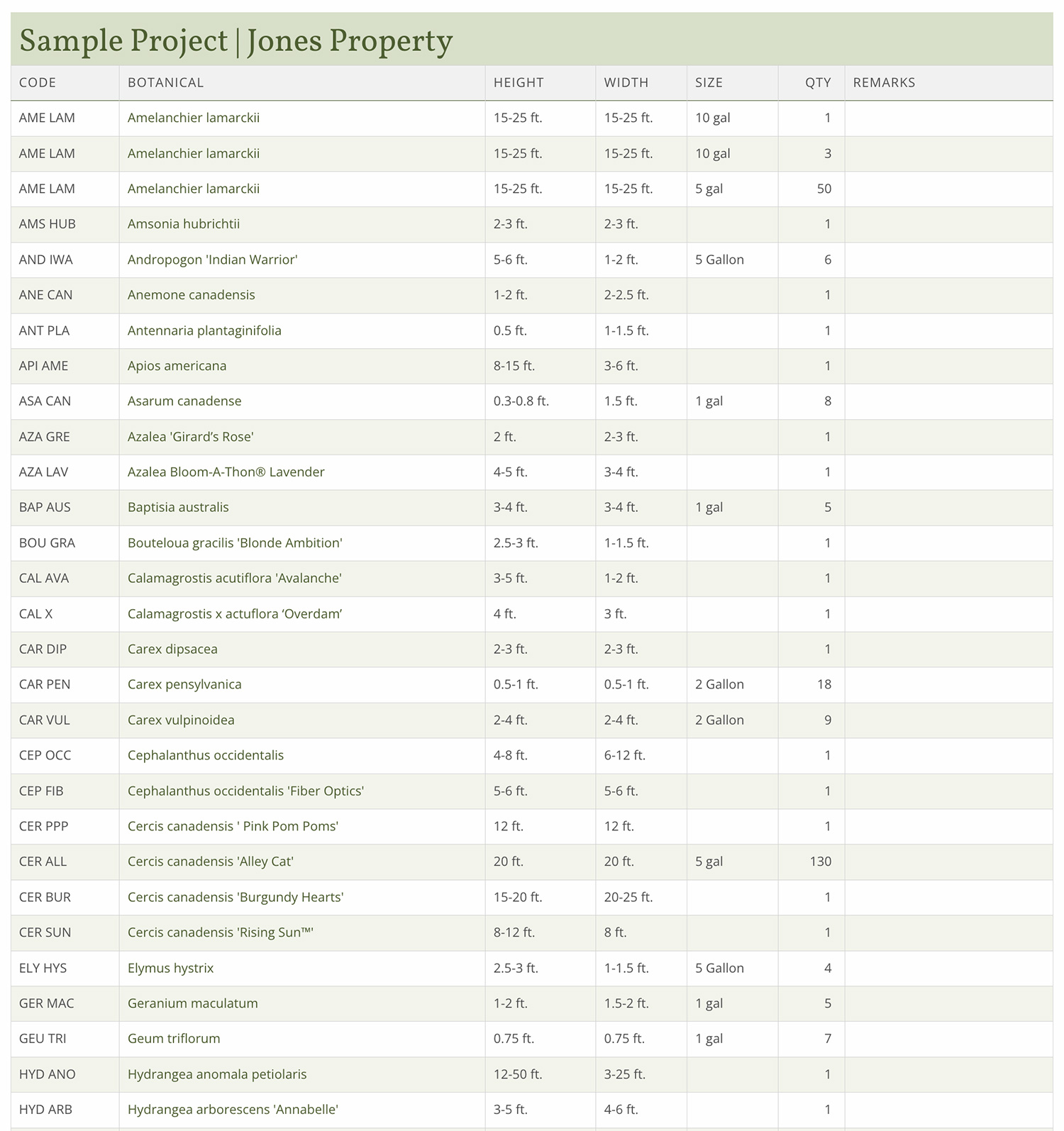
Every plant name is clickable.
In every PDF or webpage plant schedule, the plant names are all hyperlinked. If you click on the plant name, you’ll be taken to the plant’s full record – the exact same information you’d see if you looked up the plant in the database.
This is a great way to keep your plant schedule from looking cluttered with too much information. But, if you need to fact-check something or refresh your memory by viewing a photo – it’s just a click away.
You get a document that is clean and easy to scan, while keeping access to the full plant information should anyone need it.
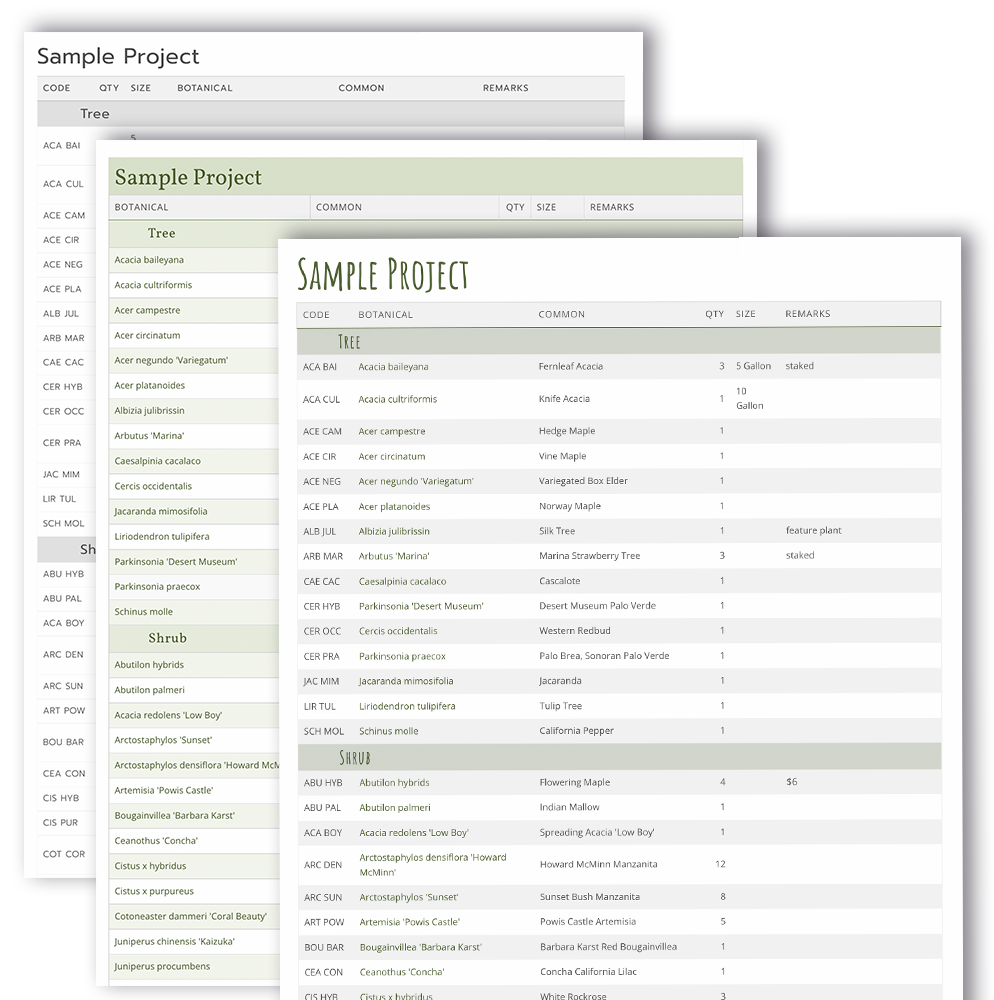
Choose from a wide variety of content.
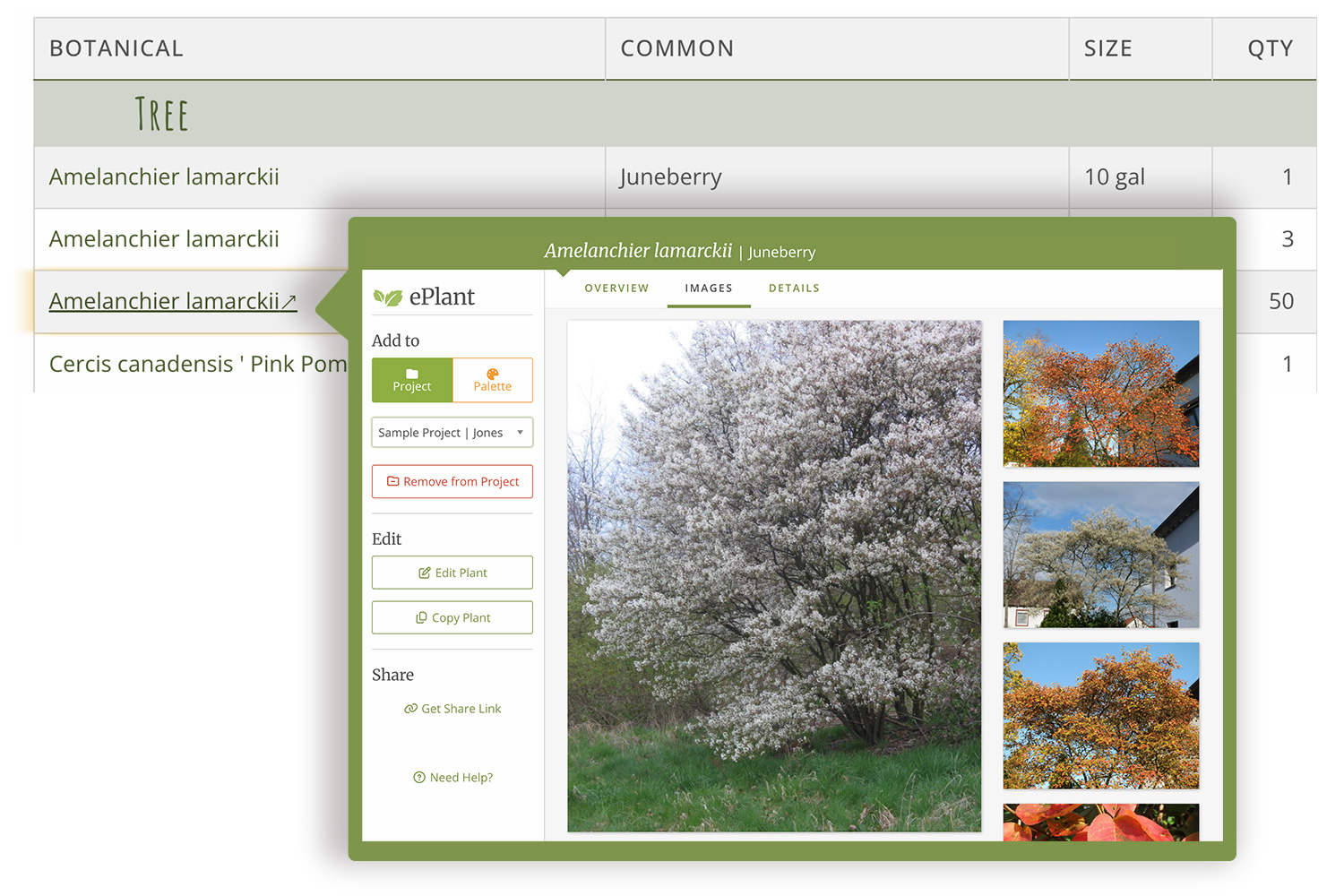
In PlantMaster, you can pull in extra fields beyond the traditional plant schedule – height and width, sun and water needs, and more.
Not every project or every audience needs the same level of detail, and not every schedule is going into the same hands.
Rather than the plant schedule being one fixed format, you can choose for additional options to match the situation – pull in more fields when detail is useful, keep it simple when it isn’t.
Send every plant schedules as a PDF, webpage, or spreadsheet.
Every schedule comes in three formats. PDF, webpage, or spreadsheet. You choose based on what the moment calls for.
PDF – This is exactly what you already know – print-ready, polished, and designed to a specific page size. Generate a PDF plant schedule in seconds and add it to your packet or hand it directly to your client. Available in 8.5 x 11 or 11 x 17 formats.
Webpage – The same schedule delivered as a live link instead of a file. Your client clicks on the link to open a custom web page. Because its designed for viewing online, it looks stunning on any device – phone, tablet, desktop.
And because it stays connected to your project, it will update automatically if you need to make any changes. Your client can click on any plant name to see more information and images of the plant.
Spreadsheet – The raw data, ready to hand off. Good for collaborating with others or layering in information beyond the plant list.
Organize it your way.
There are two different ways you can organize these reports, plus one more coming soon.
Alphabetical – The standard layout with every plant listed in alphabetical order by botanical or common name.
Plant Type – Group the plants by plant type. So, you’ll see Trees, Shrubs, Perennials, etc.
Area – coming soon. – You’ll be able to break the schedule down space by space – front yard, back patio, pool surround – the way you already think about the property, not just one long list of plants for your contractor or installer to decipher.
“I am enjoying using this amazing platform in order to create and share plant schedules with my clients.
It’s a treasured part of my process and I appreciate it more than you can imagine. “
Maryann Grapp | Greenscape Studio
Ready to start using Areas?
Don't have an account yet? Visit the PlantMaster website to get started.